

2.3k
Downloads
170
Reviews
1.0.0.59
Version

How to Download DAI Mod Manager for PC for Free?
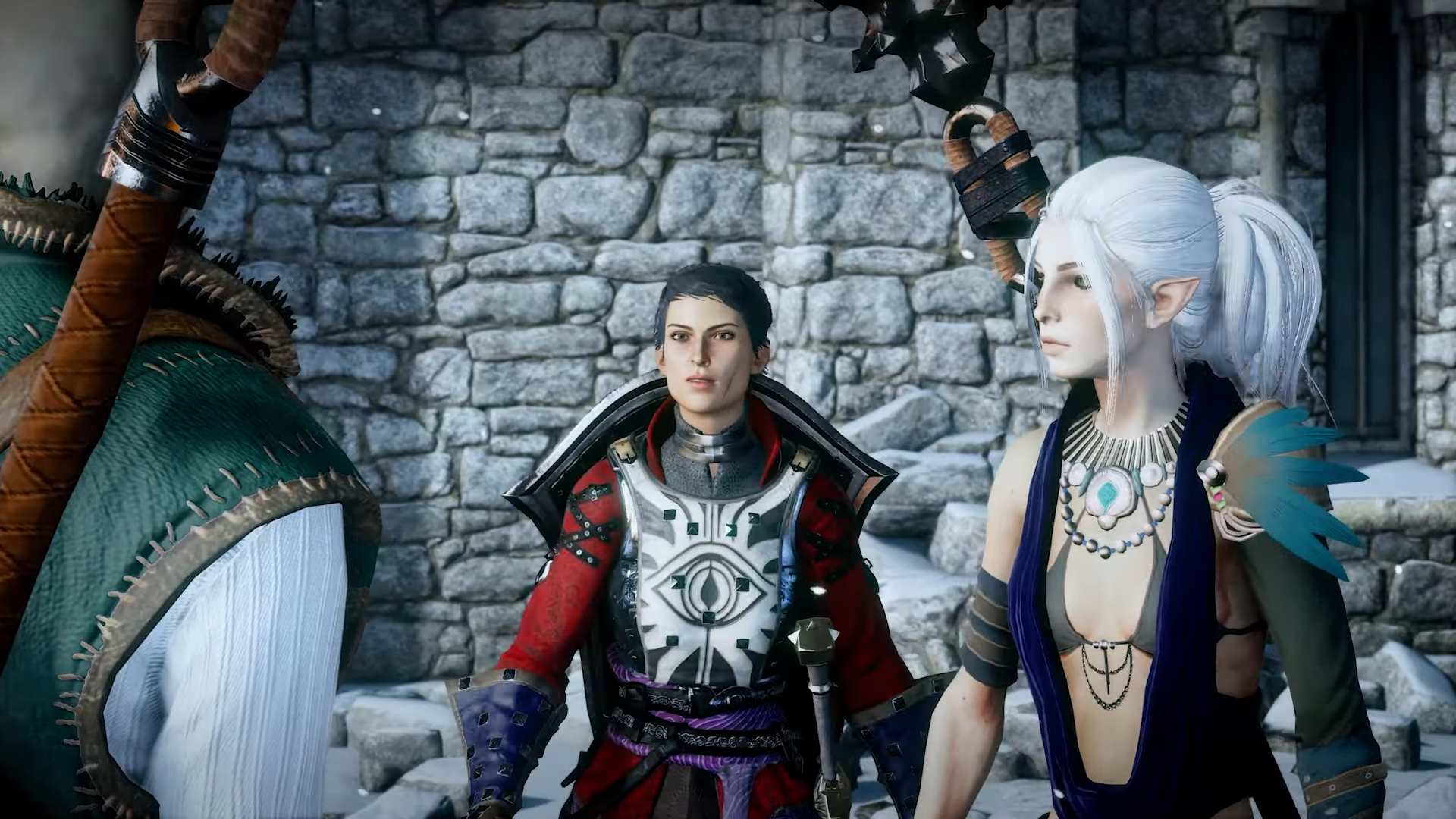
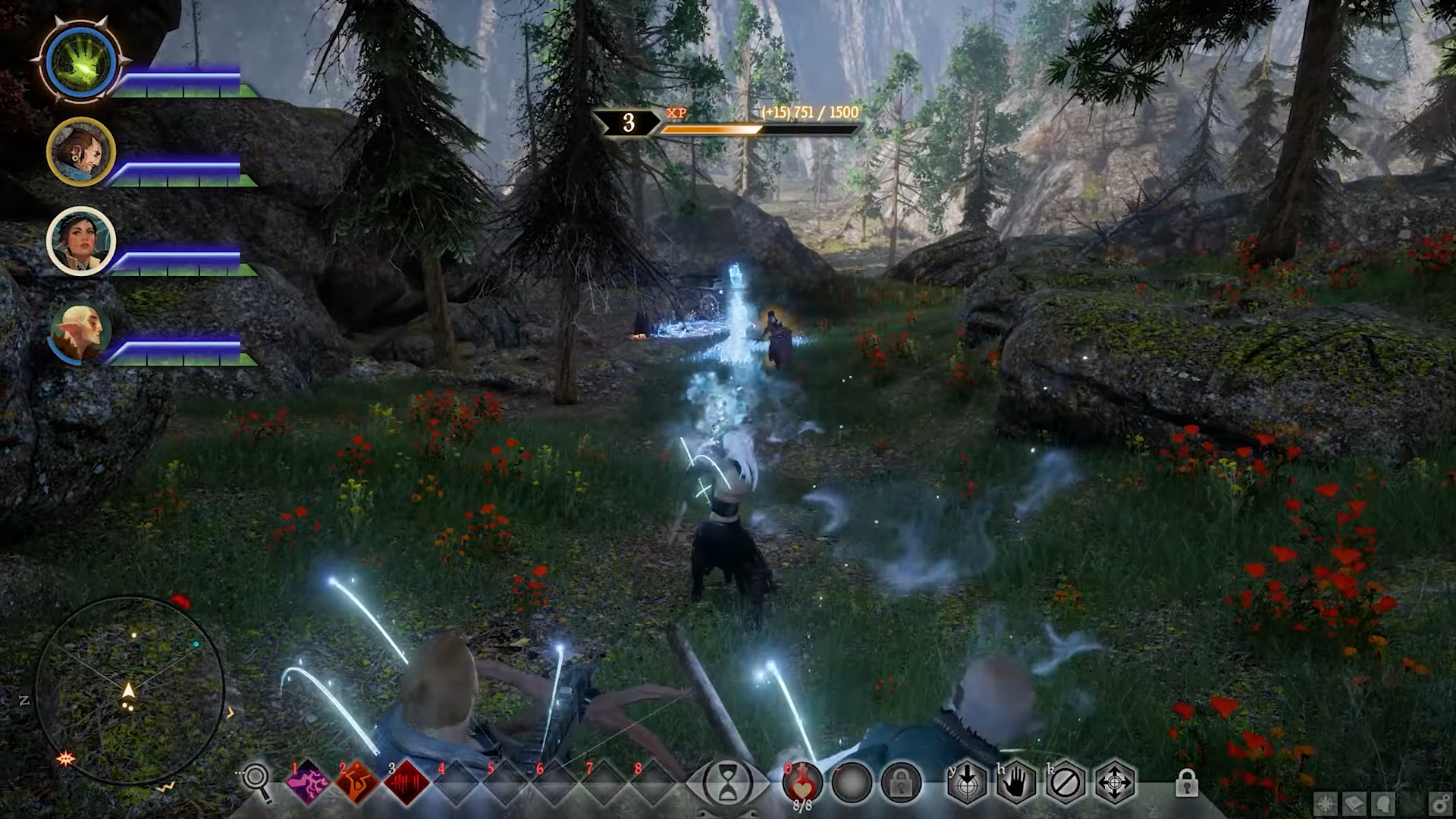
Many people want to get the full potential of Dragon Age Inquisition from the start; using a reliable tool like the DAI Mod Manager is the best way for them. No matter whether you are installing character overhauls, gameplay tweaks, or texture packs, with the help of this tool, you can easily get everything.
This article is informational for those who want to know detailed information about using the DAI Mod Manager on a PC. Here, we cover everything from downloading the right version to setting it up correctly with other tools like Frosty. This way, you can easily run this tool and make your gaming experience more enjoyable.

What Is DAI Mod Manager?
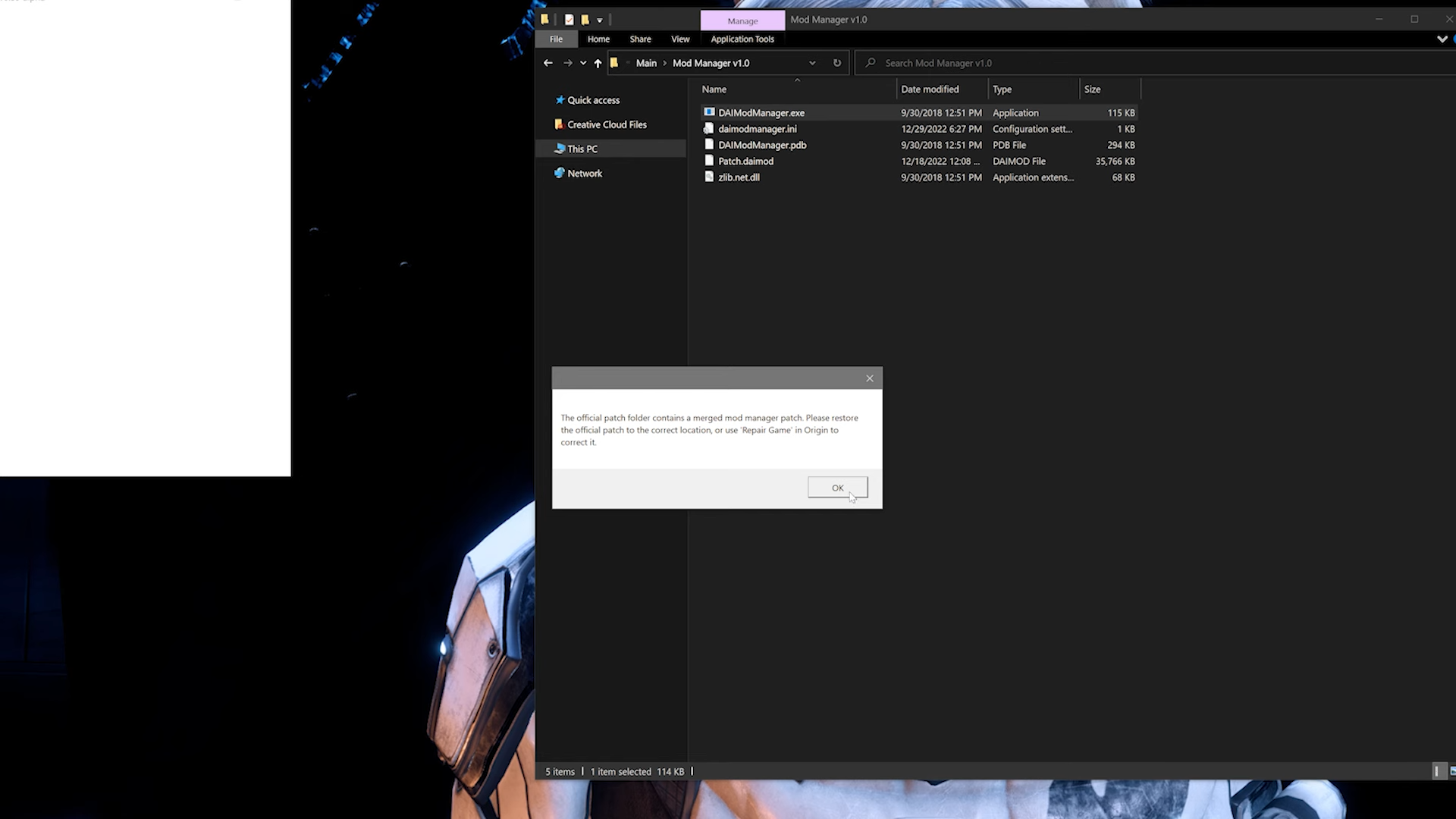
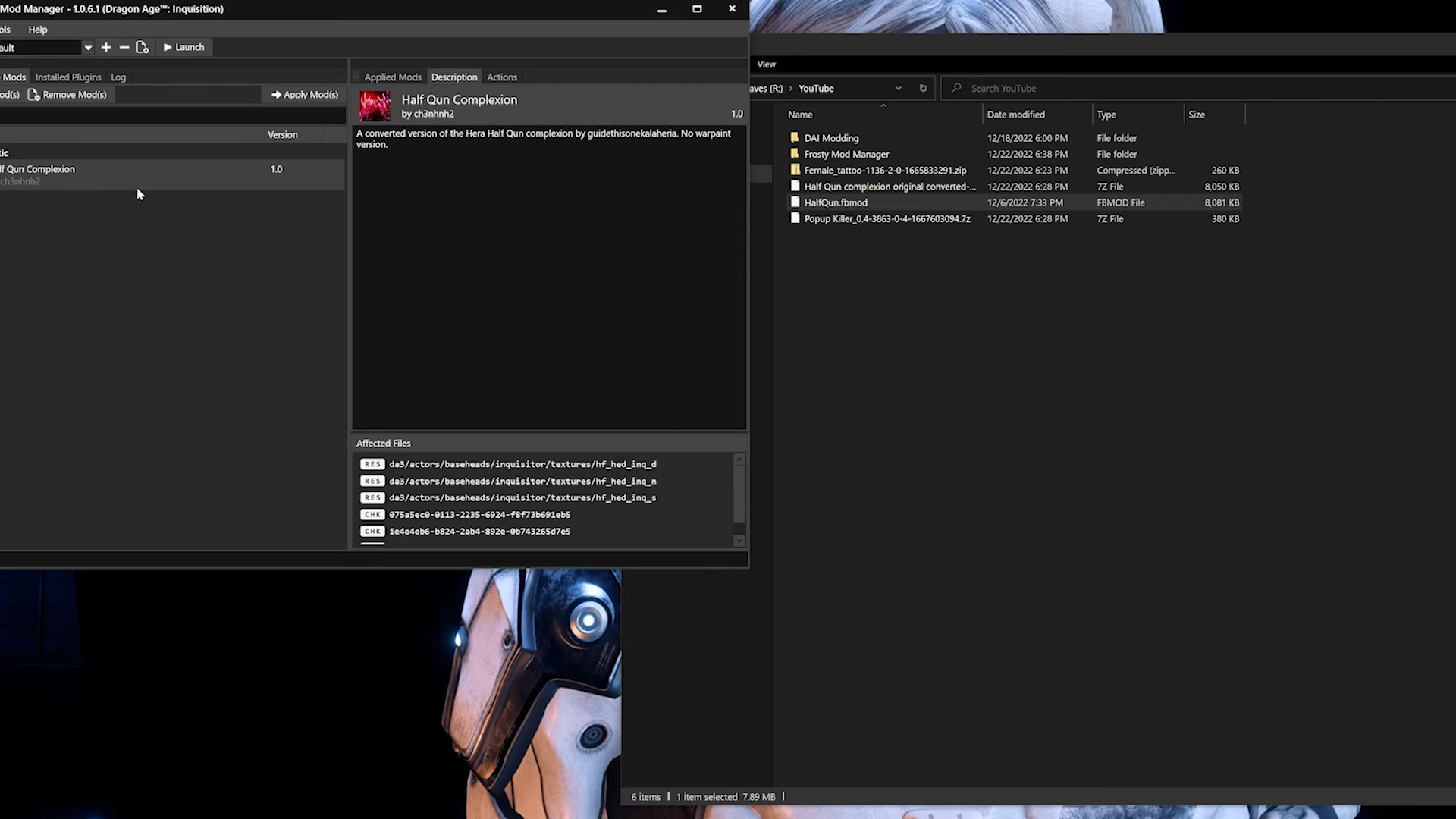
DAI Mod is a modding tool that is specially prepared for managing .daimod files in Dragon Age Inquisition. In simple words, it works to allow players to apply and merge mods with ease, offering a clean interface to control load orders, resolve mod conflicts, and get a smooth game performance. This tool is the perfect option for those who want to increase their DAI experience beyond the default gameplay, especially when dealing with older or community-preferred mod files.

History & Version (v1.0.0.59-alpha)
This tool is developed by Eham, Zhentar, and Dawnless Sky. Usually, it is released as part of the DAI Tools Suite. Its most recognized build, version 1.0.0.59-alpha, dates back to September 12, 2015. This version is no longer in active development, but this version is liked by many users because of its stability and features.
Many such users who want to manage both older and newer versions use this tool with Frosty Mod Manager. This way, they can have the best gaming experience because DAI Mod handles legacy daimod files, while Frosty is used for modern .fbmod formats.
Key Features & Why Use It
If you also want to unlock all the features of your Dragon Age Inquisition to make your gameplay more enjoyable, then DAI Mod remains the top option for you. In the section below, we provide you the information about its amazing features that make it easier for you to understand why it is the best option.
Here’s what makes it a top choice for modders:
- Simple Interface for Mod Merging: No need to do long work; you can easily import, organize, and merge. daimod files with just a few clicks
- Supports Legacy Mods: There are many mods available that still use the .daimod format because this manager remains the only tool that can process them correctly.
- Clean Conflict Detection: This is an advanced tool, so it can automatically highlight overlapping mods and also manage compatibility before applying changes to the game.
- Patch-Friendly Integration: All the mods are merged into the custom patch folder; this helps to avoid the chances of breaking the base files.
- Low Resource Use: Another best thing about it is that this does not need weirder storage; unlike other modern mods, it is totally lightweight.
- Works Alongside Frosty: When used properly, you can run it alongside Frosty Mod Manager to access both old and new mod formats without issues.
- Quick Setup and Minimal Errors: Its easy setup and minimal errors make it liked by many users.
How to Download DAI Mod Manager on PC (Windows)?
The process for downloading DAI Mod on a Windows PC is easy and simple; you just have to follow the steps given below:
- Click the Download Button: First, you have to go to the link provided on our website to download the .zip file. Confirm that you are downloading the version v1.0.0.59-alpha for full compatibility.
- Save the File to Your Desktop or a Designated Folder: Then, you have to select the location where you can save the file. Avoid saving it directly inside your Dragon Age Inquisition installation directory.
- Extract the Zip File: Next, you have to right-click the downloaded .zip file and choose “Extract All.” You can also use software like WinRAR or 7-Zip to extract it.
- Open the Folder and Run the Executable: Then, go to the extracted folder, and here, find the ModManager.exe file. Open it to launch the tool; no need to install it specially.
- Set Mod and Game Paths: The tool will prompt you to select the mod folder and game executable path. Once configured, you’re ready to start adding and merging .daimod files.
- Run as Administrator (if needed): Sometimes, if you face a permission issue, you just have to right-click the Mod Manager executable and choose “Run as administrator” to solve it.
System Requirements & Safety
The following are the basic requirements and safety information that you have to confirm before downloading it:
Specification | Details |
|---|---|
Supported OS | Windows 7, 8, 10, 11 |
File Type | .zip (extract and run .exe) |
File Size | Approximately 142 KB |
Version | v1.0.0.59-alpha |
Developer | Eham, Zhentar, and Dawnless Sky |
Safety Status | Virus-free and safe (verified via Softonic) |
Internet Connection | Not required after download |
How to Install & Setup?
The process of installing and setting up DAI Mod is also simple and straightforward, like downloading it. No matter whether you are using it alone or alongside Frosty, it is easy to manage.
Here’s how to install it on your system:
Step 1: Extract and Launch
- First, you have to simply download and extract the DAI Mod .zip file to a folder outside the game directory.
- Then open the extracted folder and run ModManager.exe (no installation required).
Step 2: Set Mod and Game Paths
- The tool will prompt you to set:
- Your mod folder, where .daimod files are located.
- Your DragonAgeInquisition.exe file is typically located in the game’s bin_ship folder.
- After successfully setting it up, the tool will remember these paths for future use.
Step 3: Add and Merge Mods
- Go and click “Add Mod(s)” to import .daimod files into the manager.
- Use the “Merge” button to compile all selected mods into a new patch folder.
- A folder named Patch_ModManagerMerge will be created automatically.
Step 4: Replace the Patch Folder
- Go to your Documents\BioWare\Dragon Age Inquisition directory.
- Here, rename or delete the existing Patch folder.
- Move the new Patch_ModManagerMerge folder here and rename it to Patch.
Using DAI Mod With Frosty
In the section below, we provide you with the step-by-step information that helps you to get the amazing features of both DAI Mod Manager and Frosty Mod Manager combined.
Step 1: Use DAI Mod Manager First
- At the start, always merge and configure .daimod mods first using DAI Mod Manager.
- Then, follow the patch replacement steps as shown above.
Step 2: Launch Frosty Mod Manager
- Next, open Frosty Mod Manager and load your .fbmod mods.
- Go to Tools > Options and enable Platform Launching.
- Import the DragonAgeInquisition.exe and apply your mods.
Step 3: Patch Version Conflicts
- If Frosty resets your merged patch, restore the correct version:
- In this case, if Frosty resets your merged patch, restore the correct version
- Open Package.mft in your Patch folder and change Version back to 12 if it was modified to 13.
- Renaming the merged patch before launching is also a helpful way.
Step 4: Launch the Game
- Use Frosty to launch the game so both .fbmod and .daimod files are active.
- This method confirms full compatibility and avoids mod overwrites.
Final Verdict
DAI Mod Manager is one of the best tools for modding Dragon Age Inquisition. The reason for it is its unique and amazing features and smoother performance. You can simplify the modding process by using DAI Mod Manager for legacy files and Frosty Mod Manager for modern mods. With our free and direct download, getting started is easier and simple.
System Tools:
SuperF4
Process Termination Tool
ExplorerPatcher
Windows Customization Tool
WinUtil
Windows Tweaking Tool
Quick CPU
CPU Optimization Tool
Winaero Tweaker
Windows Tweaking Tool
See More
Gaming & Media:
EasyBCD
Boot Management
HidHide
Controller Hiding
XOutput
Controller Emulator
DS4Windows
PlayStation Controller
Mod Organizer 2
Game Modding Tool
See More
Internet & Network:
Neat Download Manager
Download Accelerator
Proton VPN
Secure Browsing
Psiphon VPN for PC
Secure Browsing
Iriun Webcam
Turn phone into webcam
Messenger for PC
Text messaging
See More
Productivity & Recovery:
AOMEI Backupper
Backup & Recovery
PowerToys
Productivity Tool
Cura Software
3D printer slicing software
Power BI Desktop
Data visualization
4Download Fl Studio
Music production software
See More