
250
Downloads
18
Reviews
Latest Version
Version

Borderless Gaming Download Free for Windows (Latest Version)
Many PC games still force players to choose between fullscreen and windowed mode. Fullscreen can provide better immersion, but it often causes delays when switching between applications. Windowed mode makes multitasking easier but may reduce the gaming experience due to visible borders and title bars.
Borderless Gaming solves this problem by allowing games to run in a borderless window that looks and behaves like fullscreen mode. It helps players switch between games, browsers, Discord, streaming software, and other applications without the usual interruptions. If you want smoother multitasking while gaming, Borderless Gaming is a simple and effective utility worth trying.
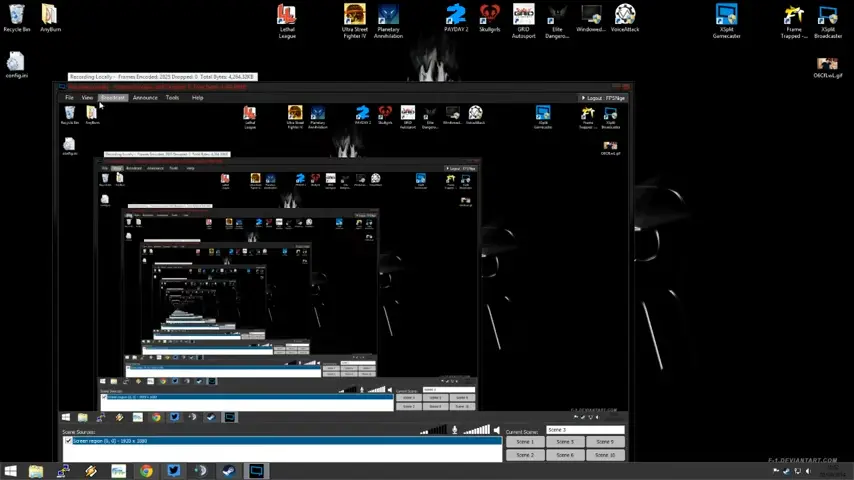
What is Borderless Gaming?
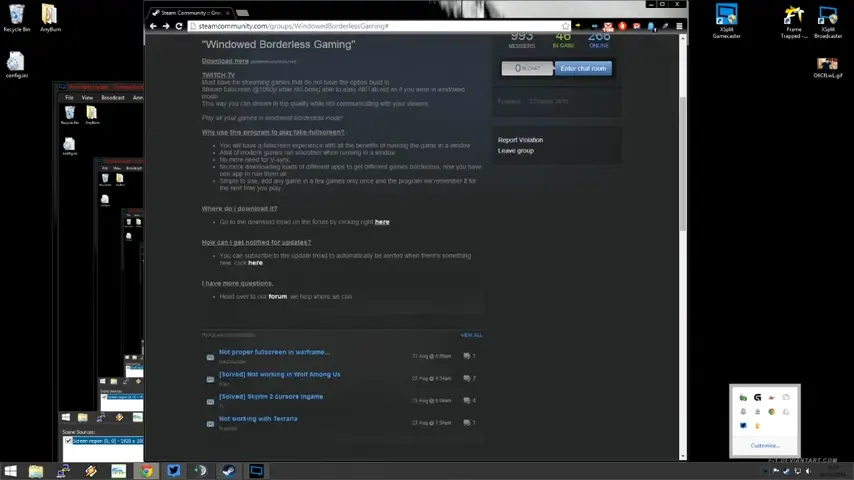
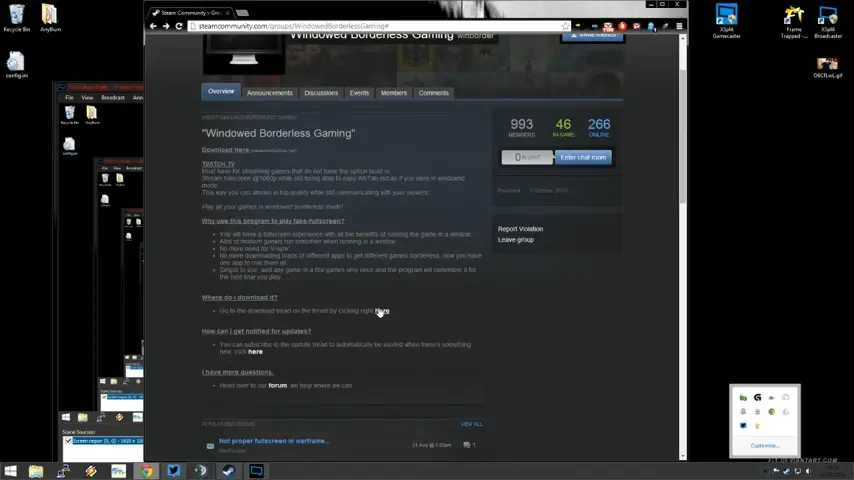
Borderless Gaming is a lightweight Windows application designed to force games and programs into a borderless fullscreen window. Instead of running a game in traditional fullscreen mode, the software removes window borders and stretches the application across the screen.
The result is a fullscreen-like experience with faster Alt-Tab switching and fewer display interruptions. Many gamers use Borderless Gaming for older titles that do not support borderless window mode natively. It is also useful for multi-monitor setups, game streaming, productivity applications, and emulators.
The software works with a wide range of PC games and can automatically apply borderless settings whenever supported applications are launched.
Key Features of Borderless Gaming
Convert Windowed Games into Borderless Fullscreen
The main purpose of Borderless Gaming is to remove window borders and make games appear as if they are running in fullscreen mode. This creates a cleaner and more immersive gaming experience.
Faster Alt-Tab Switching
Traditional fullscreen games often take several seconds to minimize or switch applications. Borderless mode allows nearly instant transitions between programs, making multitasking much more convenient.
Multi-Monitor Support
Players using dual-monitor or multi-monitor setups can move between screens more easily without causing display flickering or game minimization issues. This is especially helpful when using tools such as Roblox Account Manager, WeMod, or browser-based gaming utilities on a secondary monitor.
Automatic Game Detection
Borderless Gaming can remember selected games and automatically apply borderless settings whenever those titles are launched.
Custom Window Positioning
Users can define custom positions and sizes for supported applications. This is useful for productivity tools, emulators, and specialized software.
Lightweight Resource Usage
The application runs quietly in the background and consumes very little CPU or memory, making it suitable even for lower-end systems.
Compatibility with Older Games
Many older PC titles lack modern display options. Borderless Gaming provides an easy workaround without requiring game modifications.
Useful for Streaming and Content Creation
Streamers often need quick access to chat windows, recording software, browsers, and overlays. Borderless mode helps reduce interruptions during live broadcasts.
Borderless Gaming Features Overview
Feature | Benefit |
|---|---|
Borderless Fullscreen Mode | Removes window borders for a cleaner display |
Instant Alt-Tab | Faster switching between applications |
Multi-Monitor Support | Better experience on multiple displays |
Automatic Profiles | Saves settings for favorite games |
Custom Window Management | Control application size and position |
Lightweight Performance | Minimal impact on system resources |
Older Game Compatibility | Adds borderless support to unsupported titles |
Streaming Friendly | Easier access to streaming tools and overlays |
System Requirements
Borderless Gaming does not require powerful hardware. Most modern Windows PCs can run it without any issues.
Component | Minimum Requirement |
|---|---|
Operating System | Windows 7, 8, 10, 11 |
Processor | Intel or AMD Dual-Core CPU |
RAM | 2 GB |
Storage | Less than 100 MB available space |
Graphics | Any DirectX-compatible GPU |
Internet Connection | Required for download only |
How to Download and Install Borderless Gaming
You can download the latest version of Borderless Gaming using the download button available on this page. Once the setup file is downloaded, follow these steps to install the software on your Windows PC.
- Click the download button provided above.
- Save the setup file to your computer.
- Locate the downloaded installer in your Downloads folder.
- Double-click the setup file to begin installation.
- Allow Windows permission if the User Account Control prompt appears.
- Follow the installation wizard instructions.
- Complete the installation process and launch Borderless Gaming.
- Open your preferred game and add it to the application’s favorites list for automatic borderless mode support.
After setup, the software will continue running in the background and can automatically manage selected games whenever they are launched.
Pros and Cons
Pros
- Easy to install and use
- Faster application switching
- Supports many PC games
- Helpful for multi-monitor setups
- Lightweight and resource-friendly
- Automatic profile management
- Useful for streamers and content creators
Cons
- Some games may not be fully compatible
- Requires background operation
- Certain anti-cheat systems may occasionally conflict with window modifications
- Advanced users may need to adjust settings for specific games
Conclusion
Borderless Gaming is a practical utility for players who want the convenience of windowed mode without sacrificing the appearance of fullscreen gaming. Its ability to eliminate window borders, improve Alt-Tab responsiveness, and simplify multi-monitor usage makes it a useful addition to many gaming setups.
For gamers, streamers, and users who frequently switch between applications, Borderless Gaming offers a simple solution that requires very little system resources. If your favorite games lack built-in borderless window support, this tool can provide a smoother and more flexible experience on Windows.
System Tools:
SuperF4
Process Termination Tool
ExplorerPatcher
Windows Customization Tool
WinUtil
Windows Tweaking Tool
Quick CPU
CPU Optimization Tool
Winaero Tweaker
Windows Tweaking Tool
See More
Gaming & Media:
DS4Windows
PlayStation Controller
Mod Organizer 2
Game Modding Tool
Borderless Gaming
Borderless Window Gaming Utility
Special K
Game Optimizer
Playnite
Game Library Manager
See More
Internet & Network:
Neat Download Manager
Download Accelerator
Proton VPN
Secure Browsing
Psiphon VPN for PC
Secure Browsing
Iriun Webcam
Turn phone into webcam
Messenger for PC
Text messaging
See More
Productivity & Recovery:
PowerToys
Productivity Tool
Cura Software
3D printer slicing software
Power BI Desktop
Data visualization
4Download Fl Studio
Music production software
Anyunlock
iPhone unlock tool
See More