

1200k
Downloads
900
Reviews
1.3.1
Version

Monke Mod Manager Download Free (Modding Gorilla Tag on PC)
Monke Mod Manager is an amazing tool for Gorilla Tag players who want to add and manage mods easily. Whether you want new maps, better gameplay, or fun community mods, this simple app makes it quick and easy and perfect for beginners.
This is created especially for the PC version of Gorilla Tag. Monke Mod Manager helps players access a wide range of mods with just a few clicks. No coding or messing with folders. Just a simple app that does all the hard work for you.
In this article, we will discuss in detail about Monke Mod Manager, like how to download it safely, fix common errors, and add your favorite mods. You will also get a link to the latest version so you can start right away.
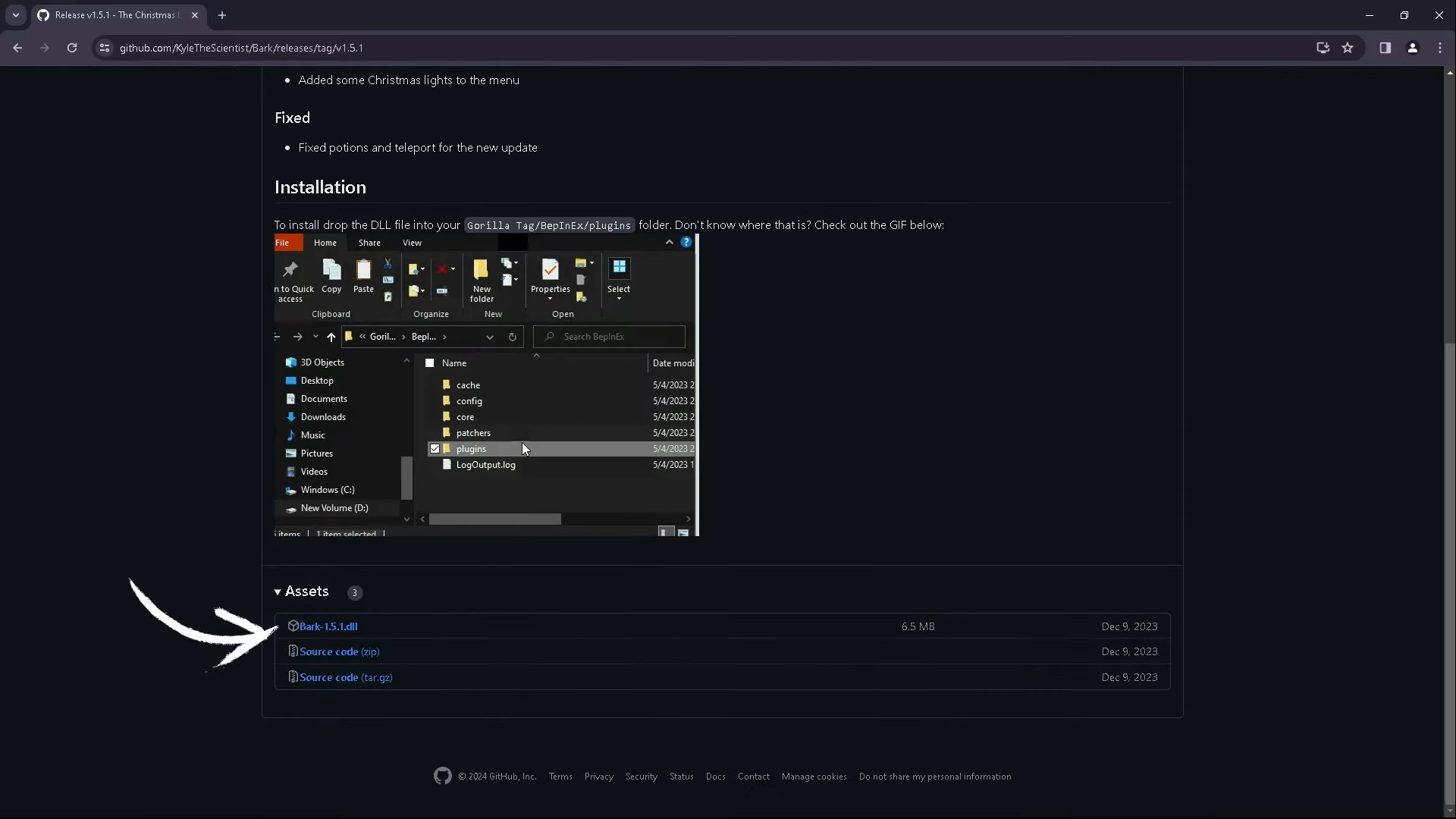
What Is Monke Mod Manager?
This is a simple desktop application that makes it easier to install mods for Gorilla Tag on a PC. It is widely used in the Gorilla Tag community because it takes all the complexity out of the modding process, with no need for manual file work or technical skills.
You can add cool effects, custom maps, or new game features in seconds with this tool.
Monke Mod Manager Download for PC
Downloading Monke Manager is a safe and very simple process. It is made for Windows users who want to make Gorilla Tag more fun without messing with setup.
- Works on Windows 10 and later versions
- Requires minimal storage space and runs on low-end PCs
- The latest version is available for free and includes built-in mod options
- Comes as a lightweight .exe file ready to install instantly
Just download the file from our site, open the installer, and you’re ready to start adding mods to Gorilla Tag.
How to Use Monke Mod Manager?
If you want to use this amazing tool, do not worry because it’s an easy-to-use tool, even if it’s your first time using it. The tool is designed to make modding Gorilla Tag as quick and beginner-friendly as possible.
- Step 1: Launch Monke Mod Manager
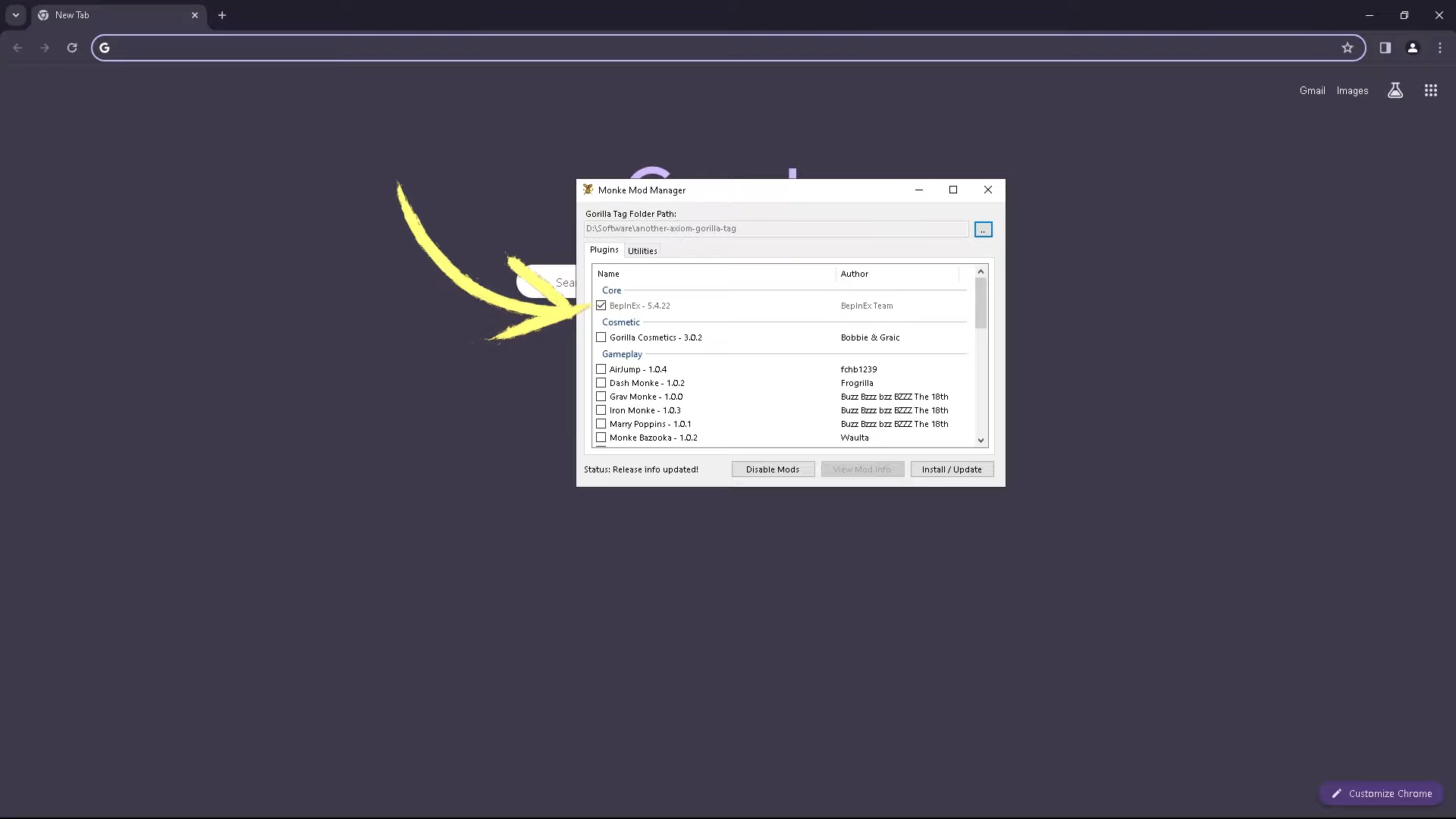
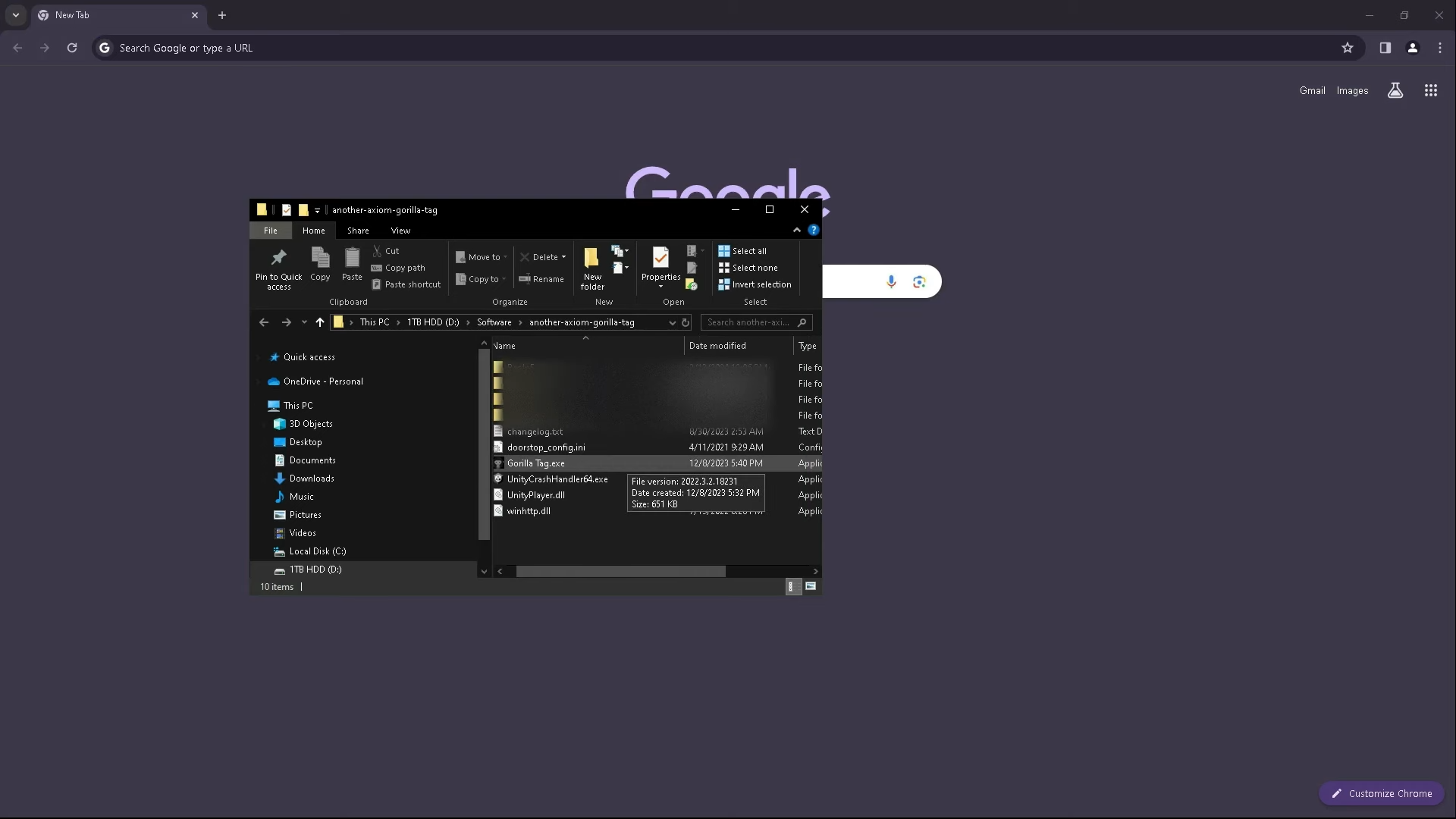
Once the app is installed, open it on your PC. It will automatically find your Gorilla Tag game files. - Step 2: Choose Your Mods
You will see a list of mods. Just check the boxes next to the mods you want to install, like MonkeyMapLoader, HauntedModMenu, or Custom Cosmetics. - Step 3: Click “Install/Update”
After you pick your mods, click the “Install/Update” button. Monke Mod Manager will download and install them in the right folders for you. - Step 4: Launch Gorilla Tag
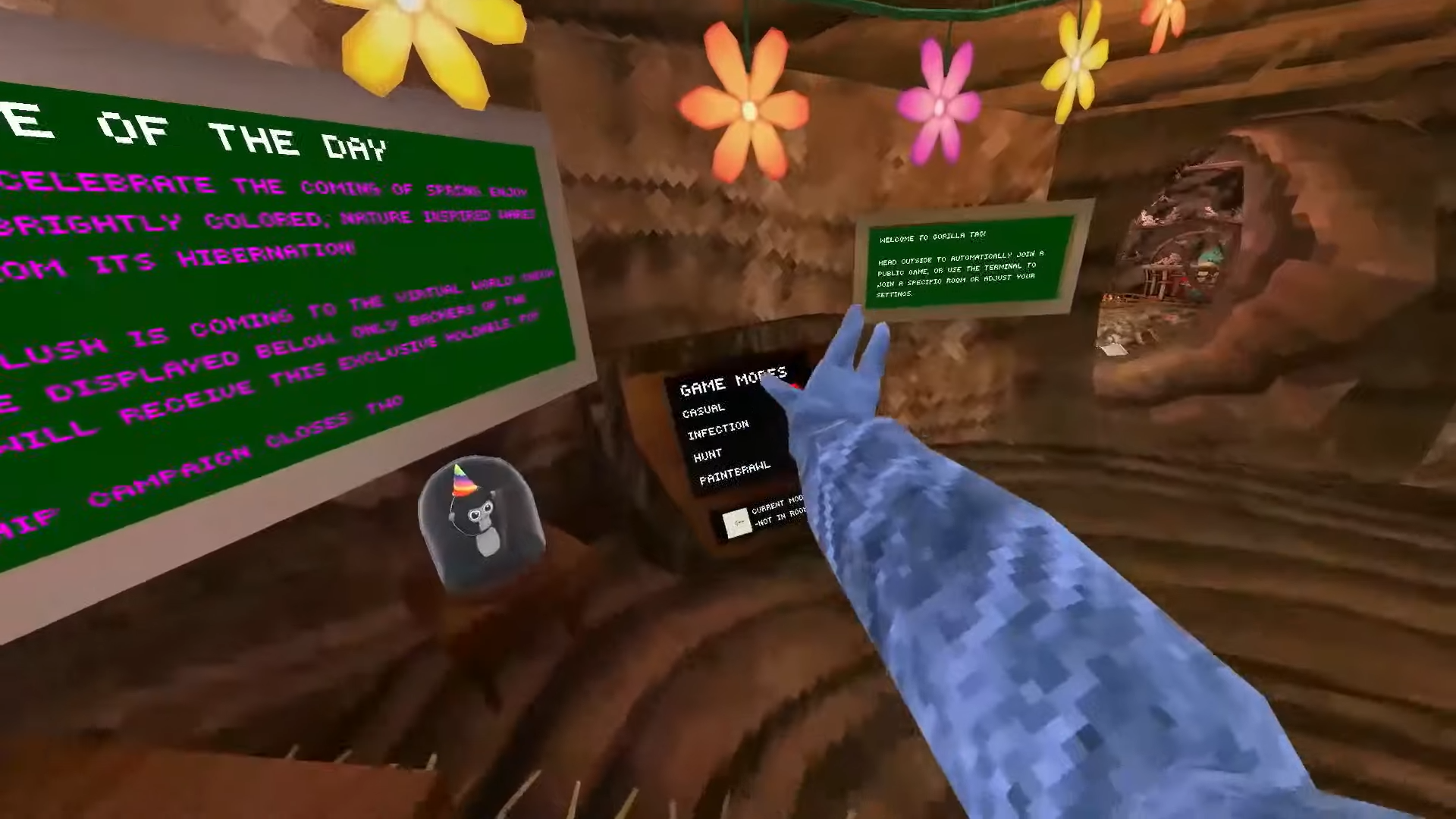
After installation, you can launch the game. Your selected mods will be active and ready to use. - Optional: Repeat for Updates or New Mods
Open it whenever you want to update mods or select new ones. It will keep everything up to date and stop problems between files.
How to Add Mods to Monke Mod Manager?
Installing mods with Monke Mod is quick and easy. No tech skills are needed. The tool already supports many popular Gorilla Tag mods, so you can install them in just a few clicks.
- Open Monke Mod Manager
Open the app after installation. It will scan your system and find your Gorilla Tag folder automatically. - Select the Mods You Want
From the list of mods, check the boxes for the ones you want to add. You might see Custom Maps, Mod Menus, or Cosmetic Packs. - Click the Install/Update Button
After picking your mods, click “Install/Update.” The tool will download the latest versions and put them right into your Gorilla Tag folder. - Verify Mods In-Game
Open Gorilla Tag to check if your mods are working. Most mods will start automatically when the game launches.
In case you want to add custom mods from outside the manager, you can drag them into the right folders. But for most people, the built-in mod list has everything you need for a great modded game.
Most Popular Mods to Try First
If you are here for the first time to use this amazing tool, then starting with the right mods makes a big difference. This tool comes with famous mods that offer a fun new feature without messing up the game. Check out some of the best ones below:
Mod Name | Details | Why Players Love It |
|---|---|---|
MonkeMapLoader | Adds custom maps to Gorilla Tag | Expands gameplay with new environments |
HauntedModMenu | A basic mod menu with toggleable features | Great for beginners exploring mod menus |
Custom Cosmetics | Lets you add personalized cosmetics and skins | Gives your character a unique look |
UnityExplorer | Developer tool to explore and modify the game live | Useful for advanced users and custom testing |
Computer Interface | Adds an in-game computer for mod controls | Makes mod interaction simple and immersive |
Temporary Platforms | Lets you create floating platforms under your feet | Fun for parkour and creative movement options |
Common Issues and Fixes
It is an easy-to-use tool, but sometimes users have problems. Here are the most common issues and how to fix them fast.
- Monke Mod Manager Not Opening: Having trouble opening the app? Try running it as an administrator first. If it still does not start, grab the latest version again and temporarily turn off your antivirus during installation. You will be modding in no time.
- Mods Not Showing in Gorilla Tag: Confirm that you can tap on Install Update after selecting mods. Also, check if you are using the correct Gorilla Tag version.
- Failed to Install Mods
If your mods aren’t showing up, the manager might not have found your game folder. Just open the app, go to settings, and choose your Gorilla Tag folder yourself. That should fix it - Mods Disappearing After Updates: Sometimes, updates can delete your mods. No worries. Just open Monke Mod Manager again and reinstall the ones you want.
- Blank Mod List: If no mods appear in the manager, ensure you have a stable internet connection. Restarting the app usually reloads the mod list.
Final Verdict
Monke Mod Manager is the simplest way to unlock the full potential of Gorilla Tag on PC. With the help of a few clicks, you can add maps, skins, and many other features, and you don’t have to move or change any files yourself. It is safe, quick, and easy to use. Download it now and make Gorilla Tag even more fun.
System Tools:
SuperF4
Process Termination Tool
ExplorerPatcher
Windows Customization Tool
WinUtil
Windows Tweaking Tool
Quick CPU
CPU Optimization Tool
Winaero Tweaker
Windows Tweaking Tool
See More
Gaming & Media:
Filmmaker
Free Movie Maker
Roblox Account Manager
Roblox Account Manager
DirectX End User Runtime
Gaming graphics enhancement
Monke Mod Manager
Mod installation tool
Dai Mod Manager
Dragon Age modding
See More
Internet & Network:
Neat Download Manager
Download Accelerator
Proton VPN
Secure Browsing
Psiphon VPN for PC
Secure Browsing
Iriun Webcam
Turn phone into webcam
Messenger for PC
Text messaging
See More
Productivity & Recovery:
PowerToys
Productivity Tool
Cura Software
3D printer slicing software
Power BI Desktop
Data visualization
4Download Fl Studio
Music production software
Anyunlock
iPhone unlock tool
See More