

1.9k
Downloads
80
Reviews
Latest Version
Version

ParkControl Download for Windows PC (Latest Version)
Your computer may have a powerful processor, but that does not always mean Windows uses it in the most efficient way. Some systems experience small delays when switching between light and heavy workloads because Windows automatically manages CPU cores to save power.
ParkControl gives you more control over how your processor behaves. It lets you adjust CPU core parking and power plan settings without editing the Windows registry or dealing with complicated system options. If you want faster response times while gaming, editing videos, or running multiple programs, ParkControl is a useful tool to have.
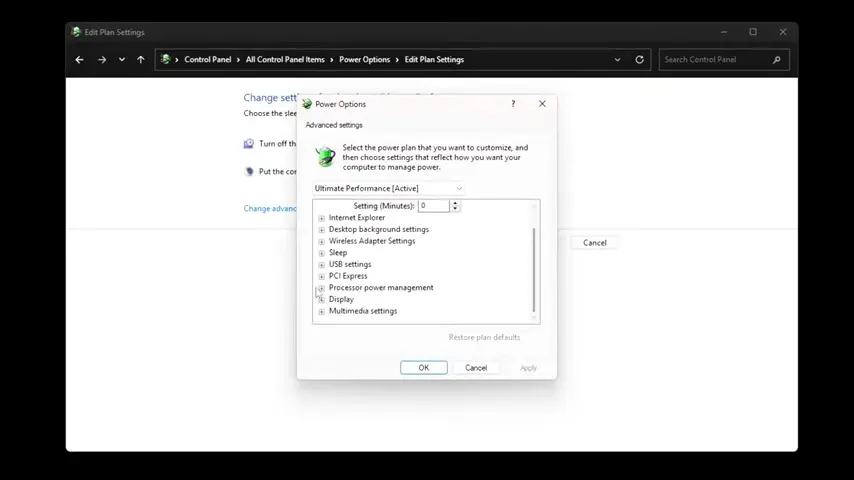
What is ParkControl?
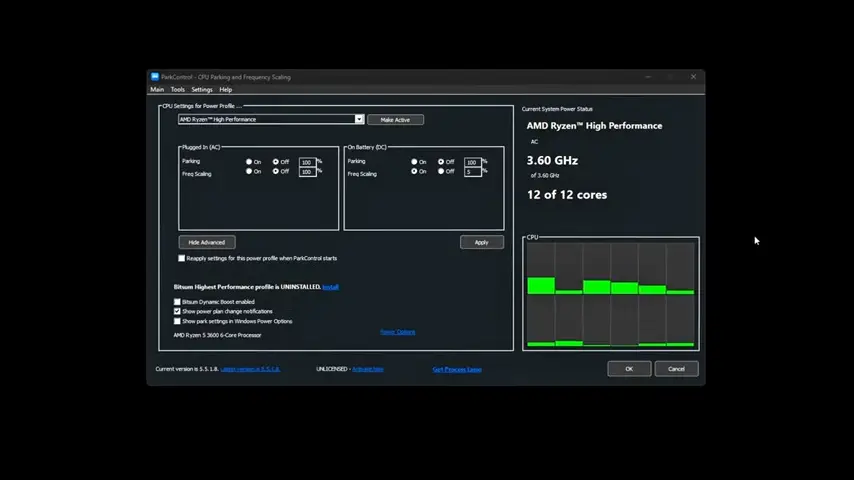
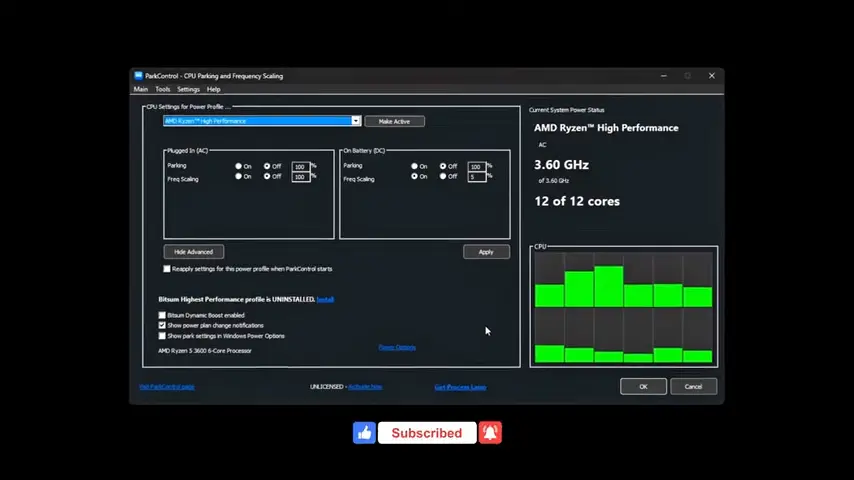
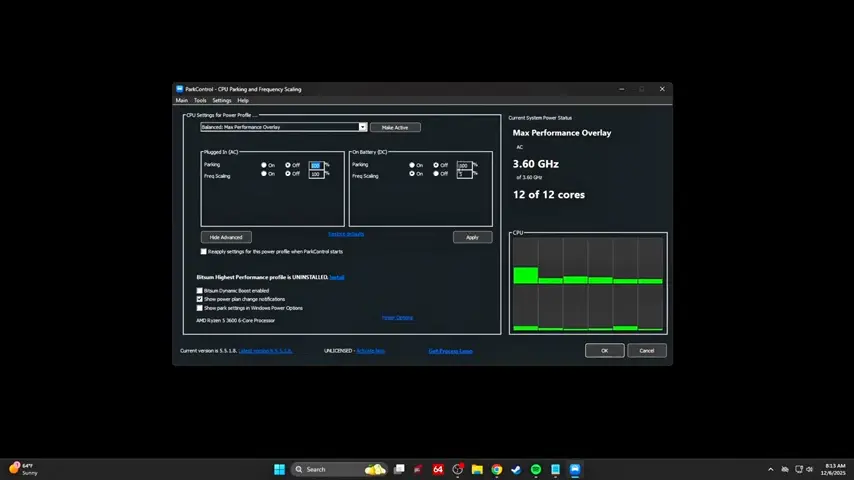
ParkControl is a free Windows utility developed by Bitsum, the creators of Process Lasso. The software allows you to control CPU core parking, processor frequency scaling, and Windows power plans from one simple interface.
Windows automatically parks unused CPU cores to reduce power consumption. While this helps save energy, it may also create slight delays when extra processing power is suddenly needed. ParkControl lets you decide how aggressively Windows parks processor cores, giving you more flexibility based on how you use your PC.
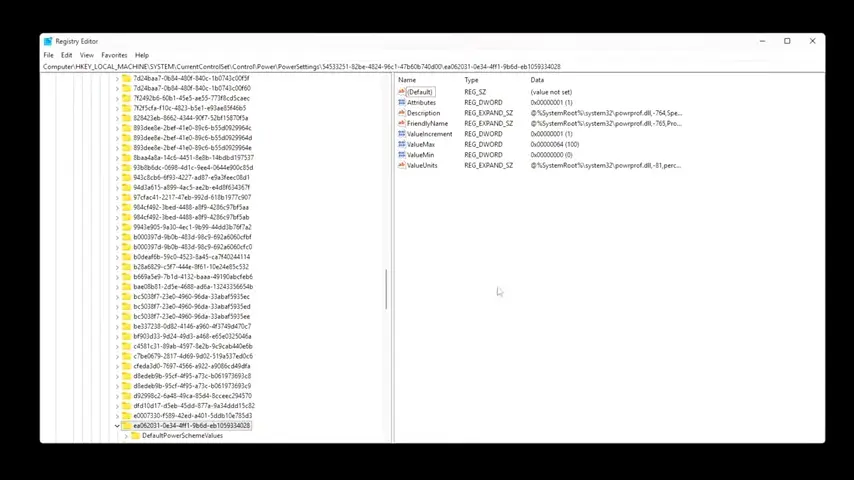
The software does not overclock your processor or modify hardware settings. Instead, it adjusts Windows power management options that already exist, making them much easier to access and customize.
Key Features of ParkControl
Manage CPU Core Parking
The main feature of ParkControl is CPU core parking control. You can reduce or completely disable core parking for selected power plans, allowing more processor cores to remain available during demanding tasks. This often results in smoother performance when gaming or multitasking.
Customize Windows Power Plans
Instead of opening several Windows menus, ParkControl lets you modify power plans from a single window. You can create separate profiles for gaming, work, or battery saving and switch between them whenever needed. If you want even more control over your processor, Quick CPU offers additional options for monitoring CPU usage, frequency, temperature, and power settings.
Control CPU Frequency Scaling
The software allows you to adjust processor frequency settings so your CPU can respond more quickly under heavy workloads. This gives you better control over the balance between performance and power consumption.
Bitsum Highest Performance Mode
ParkControl includes Bitsum’s custom Highest Performance power plan. It is designed to reduce unnecessary power-saving features and keep the processor ready for demanding applications.
Switch Power Plans Instantly
Changing power profiles only takes a click. If you normally use Balanced mode but need extra performance while editing videos or playing games, you can switch profiles without restarting your computer.
Lightweight and Resource Friendly
ParkControl is a very small application that uses almost no system resources. It runs quietly in the background without affecting normal computer performance.
Safe and Easy to Use
The software works with Windows power management instead of replacing it. If you ever want to return to the default settings, you can do so at any time.
ParkControl Feature Comparison
Feature | Practical Benefit |
|---|---|
CPU Core Parking Control | Keeps processor cores available when needed |
Windows Power Plan Management | Easy customization of power settings |
CPU Frequency Scaling | Improves processor responsiveness |
Bitsum Highest Performance | Maximum performance for demanding tasks |
Instant Profile Switching | Quickly change between power modes |
Lightweight Design | Uses very little RAM and CPU resources |
System Requirements
ParkControl works on most modern Windows computers.
Component | Requirement |
|---|---|
Operating System | Windows 11, Windows 10, Windows 8.1, Windows 8, Windows 7 |
Processor | Intel or AMD CPU |
RAM | 2 GB or more |
Storage | Around 20 MB of free space |
Administrator Rights | Required for changing power settings |
How to Download and Install ParkControl
Downloading ParkControl is simple. Use the download button available on this page to get the latest version for your Windows computer.
- Click the Download button provided above.
- Save the installer to your PC.
- Open the downloaded setup file.
- Allow administrator permission if Windows asks.
- Follow the installation wizard.
- Complete the setup by clicking Finish.
- Launch ParkControl from the Start Menu or desktop shortcut.
- Select your preferred power plan and adjust the CPU settings as needed.
Pros and Cons
Pros
- Free and lightweight utility.
- Very easy to install and use.
- Gives full control over CPU core parking.
- Simplifies Windows power management.
- Multiple power plans can be customized.
- Safe to restore default settings.
- Suitable for gaming and productivity systems.
Cons
- Most useful for advanced users.
- Performance improvements vary between computers.
- Requires administrator access to modify power settings.
Conclusion
ParkControl is one of the easiest ways to fine-tune Windows power management without dealing with complicated system settings. Its clean interface, lightweight design, and practical controls make it a great choice for anyone who wants better control over CPU performance.
If your computer feels less responsive during demanding tasks or you simply want more flexibility over Windows power plans, ParkControl is worth trying. Use the download button on this page to install the latest version and customize your processor settings in just a few minutes.
System Tools:
ParkControl
CPU Parking
Process Lasso
CPU Optimization
Wise Memory
RAM Optimizer
SuperF4
Process Termination Tool
ExplorerPatcher
Windows Customization Tool
See More
Gaming & Media:
Razer Cortex
Game Booster
EasyBCD
Boot Management
HidHide
Controller Hiding
XOutput
Controller Emulator
DS4Windows
PlayStation Controller
See More
Internet & Network:
Neat Download Manager
Download Accelerator
Proton VPN
Secure Browsing
Psiphon VPN for PC
Secure Browsing
Iriun Webcam
Turn phone into webcam
Messenger for PC
Text messaging
See More
Productivity & Recovery:
AOMEI Backupper
Backup & Recovery
PowerToys
Productivity Tool
Cura Software
3D printer slicing software
Power BI Desktop
Data visualization
4Download Fl Studio
Music production software
See More