
10k
Downloads
290
Reviews
Latest Version
Version

LatencyMon Download for Windows PC (Latest Version)
If your computer produces crackling audio, random pops, stuttering during playback, or delays while recording, the problem is not always your sound card. In many cases, Windows drivers or system processes are causing high latency in the background. Finding the exact cause can be difficult without the right tool.
LatencyMon helps identify these issues by monitoring your system in real time. It analyzes interrupt latency, driver execution times, and other hardware-related performance data so you can see what is affecting your PC. Whether you are troubleshooting audio dropouts, optimizing a workstation, or checking system stability, LatencyMon provides the information needed to track down the source of the problem.
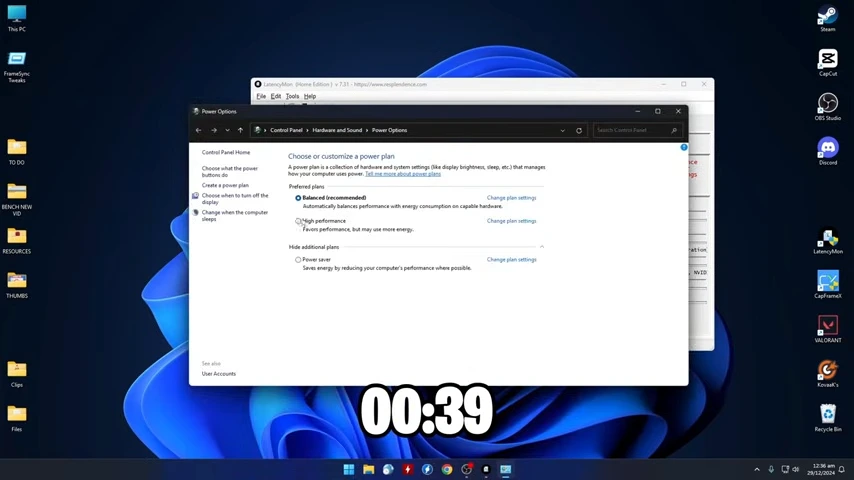
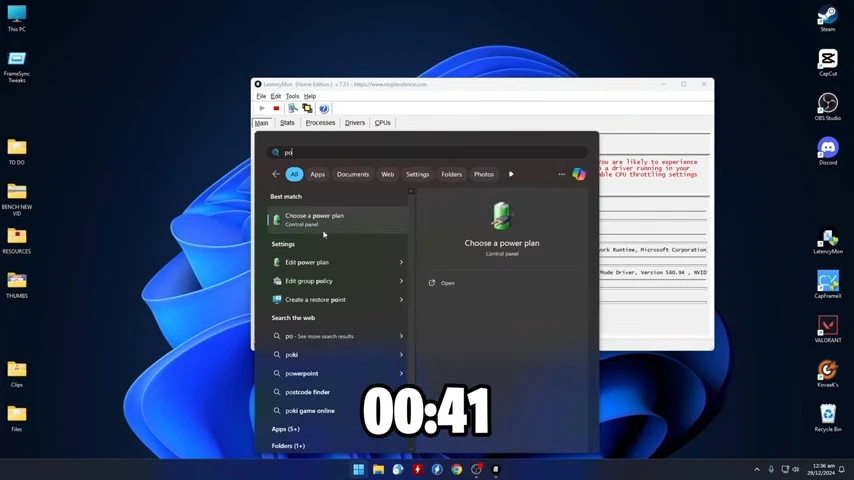
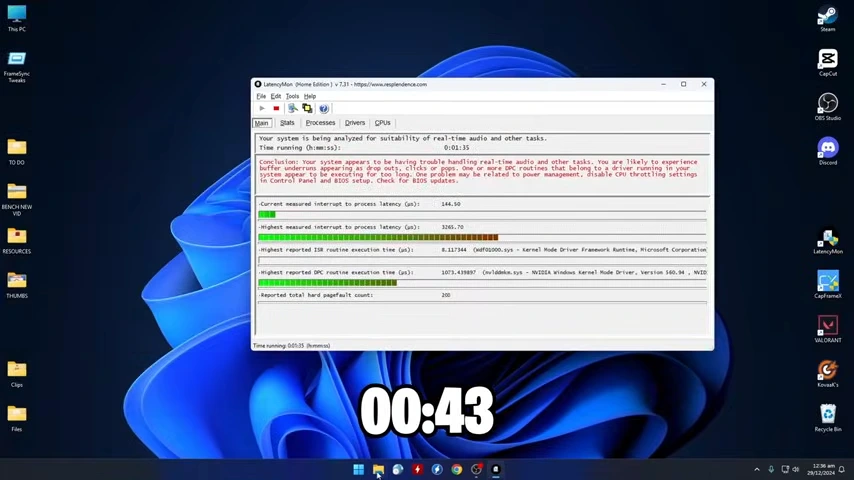
What is LatencyMon?
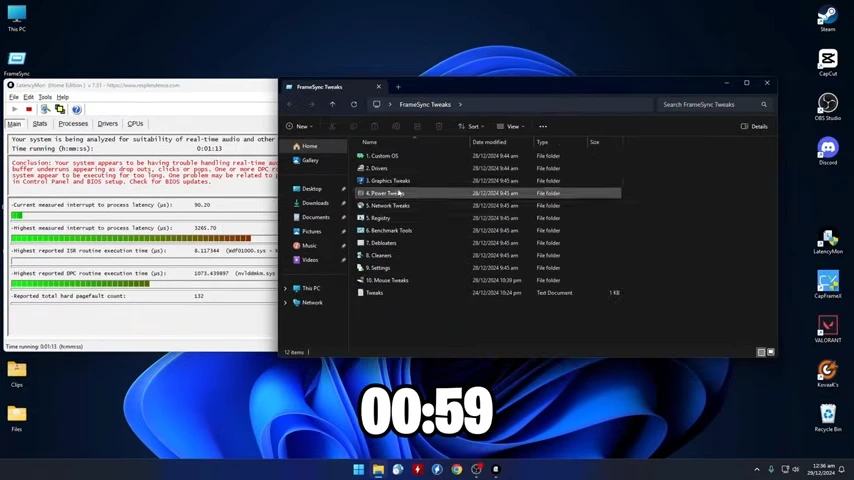
LatencyMon is a Windows performance analysis tool developed to measure system latency and detect drivers or processes that may interrupt real-time audio and video tasks. It continuously monitors your computer while it is running and reports whether the system can handle real-time applications without interruptions.
The software is widely used by audio engineers, streamers, musicians, gamers, and advanced PC users. Instead of guessing which component is causing lag or sound glitches, LatencyMon points to the drivers and system routines responsible for high Deferred Procedure Call (DPC) latency and Interrupt Service Routine (ISR) execution times.
LatencyMon Use Cases
Task | How LatencyMon Helps |
|---|---|
Audio troubleshooting | Detects drivers causing audio pops and clicks |
Music production | Checks if the PC is suitable for low-latency recording |
Live streaming | Finds background drivers affecting stream quality |
Gaming | Identifies latency issues that may impact performance |
Driver diagnostics | Highlights problematic hardware drivers |
System optimization | Helps improve overall responsiveness |
Key Features of LatencyMon
Real-Time Latency Monitoring
LatencyMon continuously measures your computer’s latency while you work or play. This allows you to reproduce the issue and see exactly when latency spikes occur.
DPC and ISR Analysis
The software tracks Deferred Procedure Calls (DPC) and Interrupt Service Routines (ISR), which are common causes of audio interruptions. It shows detailed execution times for every driver.
Driver Performance Report
One of the most useful features is the driver report. It lists hardware drivers with the highest latency values, making it much easier to identify outdated or poorly optimized drivers.
CPU Core Monitoring
LatencyMon displays how each processor core handles interrupts and background tasks. This information helps diagnose CPU-related scheduling problems. To further improve processor scheduling and CPU performance, many users pair LatencyMon with Quick CPU, which offers advanced processor tuning options.
Hard Pagefault Detection
The program records hard pagefaults that occur when Windows retrieves data from storage instead of memory. Excessive pagefaults can affect applications that require real-time performance.
Hardware Information
LatencyMon displays useful hardware details, including processor information, memory, operating system version, and other system specifications needed during troubleshooting.
Performance Statistics
The software generates detailed statistics after each monitoring session. These reports help compare system performance before and after making driver or hardware changes.
Lightweight Interface
Despite offering detailed diagnostics, LatencyMon has a clean interface that is easy to navigate. Important information is grouped into separate tabs for quick access.
System Requirements
Component | Minimum Requirement |
|---|---|
Operating System | Windows 10 or Windows 11 |
Processor | Intel or AMD processor |
RAM | 2 GB minimum (4 GB or more recommended) |
Storage | Around 20 MB of free disk space |
Display | 1024 × 768 resolution or higher |
Internet | Required only for downloading updates |
How to Download and Install LatencyMon
Downloading and installing LatencyMon is simple. Use the download button available on this page to get the latest setup file, then follow these steps:
- Click the download button provided above.
- Save the installer to your computer.
- Locate the downloaded setup file in your Downloads folder.
- Double-click the installer to begin installation.
- Accept the license agreement when prompted.
- Choose the installation location or keep the default folder.
- Click Install and wait for the setup to finish.
- Launch LatencyMon and start analyzing your system for latency issues.
Pros and Cons
Pros
- Lightweight and quick to install
- Detects problematic drivers accurately
- Excellent for audio troubleshooting
- Real-time latency monitoring
- Detailed technical reports
- Easy-to-read interface
- Low system resource usage
Cons
- Some technical terms may confuse beginners
- Fixing detected issues usually requires manual driver updates
- No built-in automatic repair tools
Conclusion
LatencyMon is one of the most reliable tools for diagnosing Windows latency problems. Instead of relying on trial and error, it provides clear information about drivers, interrupts, and system performance that can help resolve audio glitches, recording issues, and other real-time processing problems.
If your PC experiences stuttering audio, delayed playback, or unexplained latency spikes, LatencyMon is worth trying. Its lightweight design, detailed reporting, and practical diagnostics make it a valuable utility for anyone who wants to understand and improve their system’s performance.
System Tools:
HWiNFO
Hardware Monitoring
CPU-Z
CPU Details
LatencyMon
System Latency Monitoring
Autoruns
Startup entry scanner
RAMMap
Memory Analysis
See More
Gaming & Media:
Razer Cortex
Game Booster
EasyBCD
Boot Management
HidHide
Controller Hiding
XOutput
Controller Emulator
DS4Windows
PlayStation Controller
See More
Internet & Network:
TCP Optimizer
Internet Optimization
Neat Download Manager
Download Accelerator
Proton VPN
Secure Browsing
Psiphon VPN for PC
Secure Browsing
Iriun Webcam
Turn phone into webcam
See More
Productivity & Recovery:
AOMEI Backupper
Backup & Recovery
PowerToys
Productivity Tool
Cura Software
3D printer slicing software
Power BI Desktop
Data visualization
4Download Fl Studio
Music production software
See More