
250
Downloads
2.2k
Reviews
Latest Version
Version

CPU-Z Download for Windows PC
If you want to know exactly what hardware is inside your computer, Windows only shows basic information. Details like processor codename, cache size, memory timings, motherboard chipset, and graphics hardware are hidden from the standard system settings.
CPU-Z makes finding this information quick and simple. It scans your computer in seconds and displays complete hardware specifications in an organized interface. Whether you’re checking system components before upgrading, verifying new hardware, or troubleshooting performance issues, CPU-Z provides accurate information without slowing down your PC.
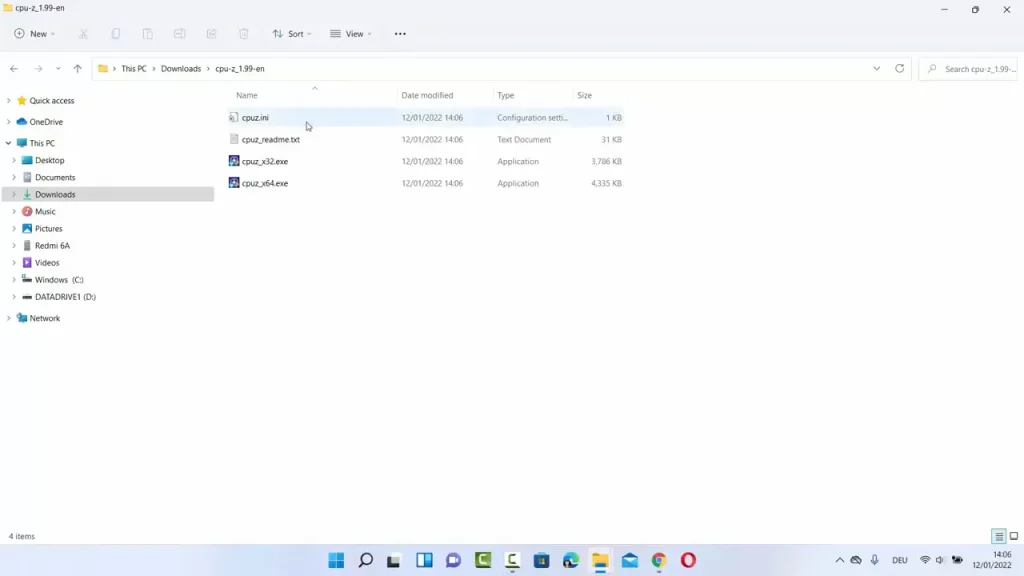
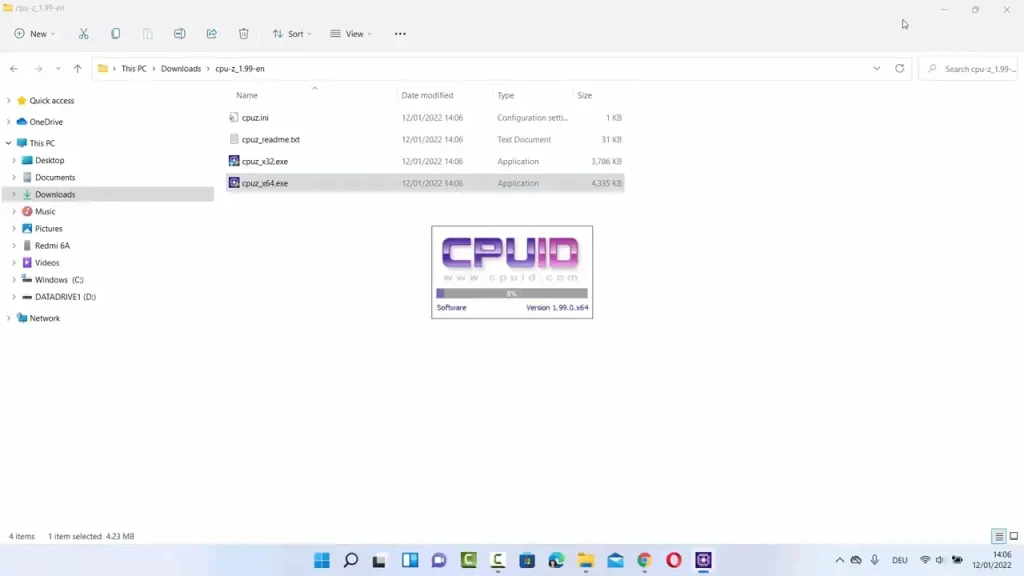
What is CPU-Z?
CPU-Z is a free hardware information utility developed by CPUID. It analyzes your computer and displays detailed specifications for the processor, motherboard, RAM, graphics card, and other essential hardware components.
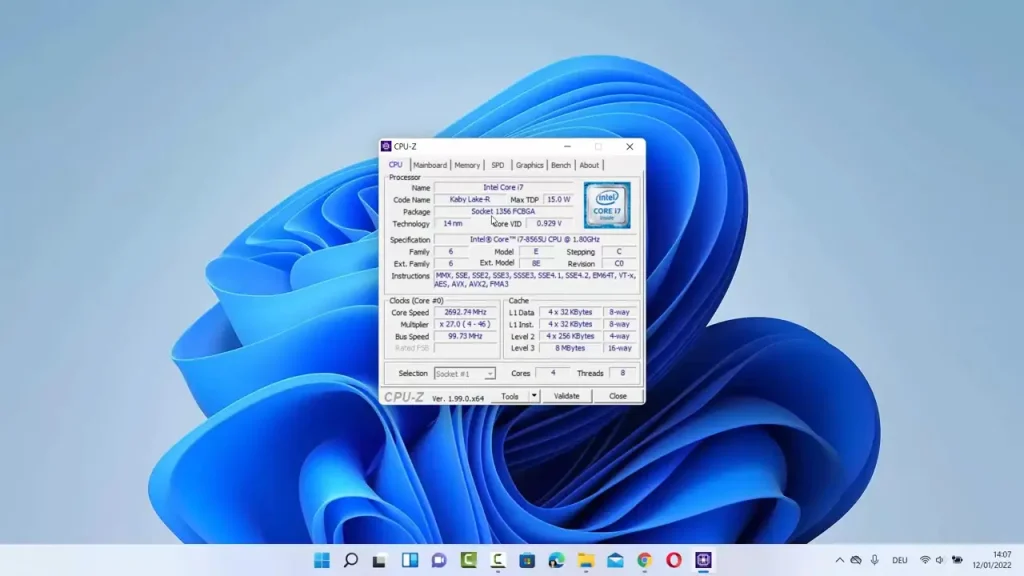
Unlike Windows System Information, CPU-Z provides technical details that are useful for enthusiasts, PC builders, gamers, IT professionals, and everyday users. It can identify the exact processor model, manufacturing process, clock speeds, cache sizes, memory type, motherboard BIOS version, and much more.
The software does not change any hardware settings or overclock your computer. It simply reads information directly from your system and presents it in an easy-to-understand format.
Key Features of CPU-Z
Detailed CPU Information
CPU-Z displays complete processor information, including the model name, architecture, socket type, core count, thread count, clock speed, multiplier, voltage, and cache sizes. This makes it easy to verify your processor specifications.
Motherboard Identification
The software detects your motherboard manufacturer, model number, chipset, BIOS version, and graphics interface. This information is especially useful when updating BIOS or purchasing compatible hardware.
Memory Analysis
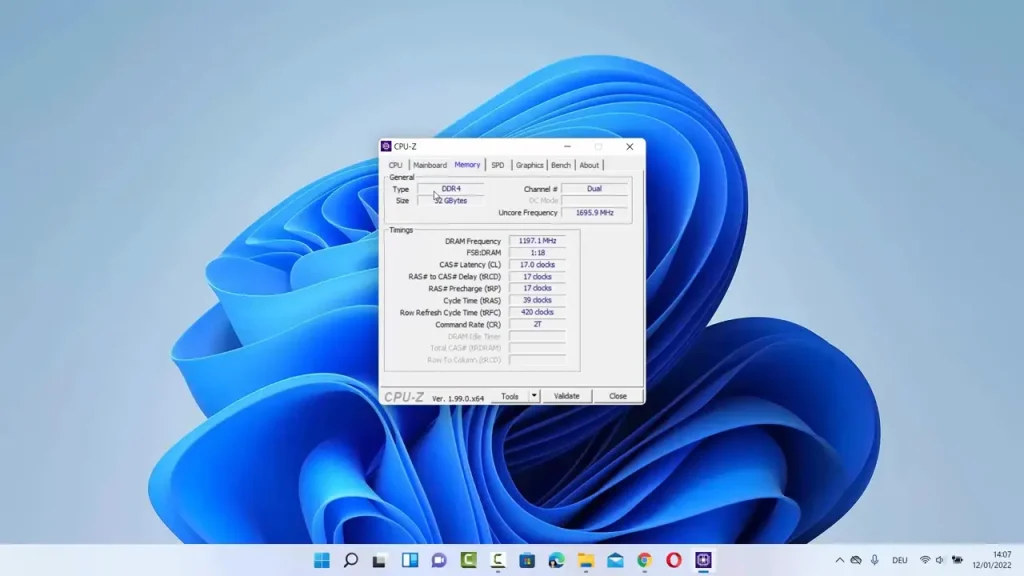
CPU-Z shows installed memory capacity, RAM type, frequency, timings, channels, and SPD information for each memory module. It helps confirm whether your memory is running at the correct speed.
Graphics Card Information
The Graphics tab displays your GPU model, memory size, graphics interface, and other important specifications. This is useful when checking graphics hardware before installing new drivers or games.
Real-Time Hardware Monitoring
CPU-Z updates processor frequency and voltage in real time, allowing you to see how your CPU behaves under different workloads. For advanced processor tuning and performance optimization, you may also find Quick CPU and ParkControl useful.
Hardware Validation
You can generate a hardware validation report and compare your PC specifications with other systems. This feature is often used when sharing system information online.
Lightweight and Portable
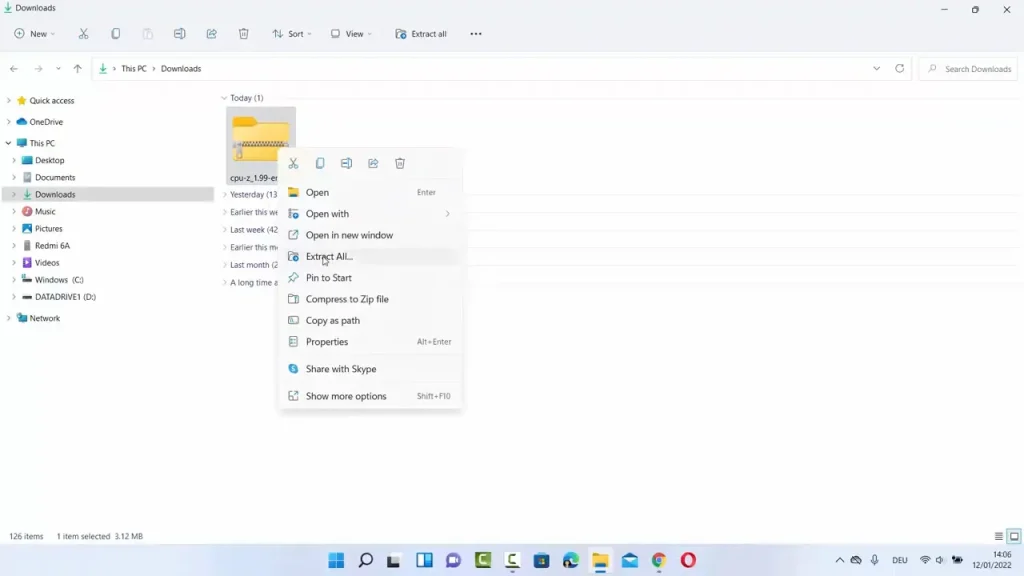
CPU-Z is a small application that launches quickly and consumes very little system memory. A portable version is also available for users who prefer not to install software.
CPU-Z Features at a Glance
Feature | Practical Benefit |
|---|---|
CPU Identification | View complete processor specifications |
Motherboard Details | Identify chipset, BIOS, and model number |
RAM Information | Check memory speed, timings, and channels |
GPU Detection | View graphics card specifications |
Real-Time Monitoring | Monitor CPU frequency changes instantly |
Hardware Validation | Verify and share system configuration |
System Requirements
CPU-Z works on almost every modern Windows computer.
Component | Requirement |
|---|---|
Operating System | Windows 11, Windows 10, Windows 8.1, Windows 8, Windows 7 |
Processor | Intel, AMD, or compatible processor |
RAM | 1 GB minimum |
Storage | Around 10 MB of free disk space |
Internet | Optional for hardware validation |
How to Download and Install CPU-Z
Downloading CPU-Z only takes a few minutes. Use the download button available on this page to get the latest version for your Windows computer.
- Click the Download button provided on this page.
- Save the CPU-Z installer to your PC.
- Open the downloaded setup file.
- Allow administrator permission if prompted.
- Follow the installation wizard.
- Complete the installation by clicking Finish.
- Launch CPU-Z from the desktop or Start Menu.
- Wait a few seconds while the software scans and displays your hardware information.
Pros and Cons
Pros
- Completely free to use.
- Displays highly accurate hardware information.
- Lightweight and fast.
- Supports Intel and AMD processors.
- Includes detailed RAM and motherboard information.
- Portable version available.
- Ideal for troubleshooting and hardware verification.
Cons
- Does not monitor CPU temperatures.
- Interface feels outdated compared to newer utilities.
- Advanced hardware details may be unnecessary for casual users.
Conclusion
CPU-Z remains one of the best hardware information tools available for Windows. It provides accurate details about your processor, motherboard, memory, graphics card, and other components in a lightweight application that is easy to use.
Whether you’re building a new PC, upgrading hardware, verifying specifications, or simply curious about what’s inside your computer, CPU-Z is an excellent choice. Use the download button on this page to install the latest version and view complete hardware information in just a few seconds.
System Tools:
HWiNFO
Hardware Monitoring
CPU-Z
CPU Details
LatencyMon
System Latency Monitoring
Autoruns
Startup entry scanner
RAMMap
Memory Analysis
See More
Gaming & Media:
Razer Cortex
Game Booster
EasyBCD
Boot Management
HidHide
Controller Hiding
XOutput
Controller Emulator
DS4Windows
PlayStation Controller
See More
Internet & Network:
TCP Optimizer
Internet Optimization
Neat Download Manager
Download Accelerator
Proton VPN
Secure Browsing
Psiphon VPN for PC
Secure Browsing
Iriun Webcam
Turn phone into webcam
See More
Productivity & Recovery:
AOMEI Backupper
Backup & Recovery
PowerToys
Productivity Tool
Cura Software
3D printer slicing software
Power BI Desktop
Data visualization
4Download Fl Studio
Music production software
See More