

20.9k
Downloads
1.1k
Reviews
6.12909.1603
Version

Download UC Browser for PC – Windows 10/11 64‑bit (Free)
Download UC Browser for PC now and enjoy faster, smarter browsing. Get a free, safe, and malware-free installer that works well with Windows 7-11, with 32 or 64-bit.
UC Browser for PC is an outstanding tool that contains lightweight and quick features for a browsing experience designed for Windows users. It is famous for download speeds, smart data compacting, and built-in tools, including a block and video downloader. It is a perfect choice for anyone who is looking to improve web performance.
This tool was first built for mobile but now offers the same speed and efficiency for desktop users. It runs well on Windows 10 and 11 on a 64-bit system. The PC version is ideal for slower networks, limited data plans, or users with low specs.
This article helps you to learn about UC Browser for PC download. You can also get details on system requirements, installation steps, key features, and answers to common questions.
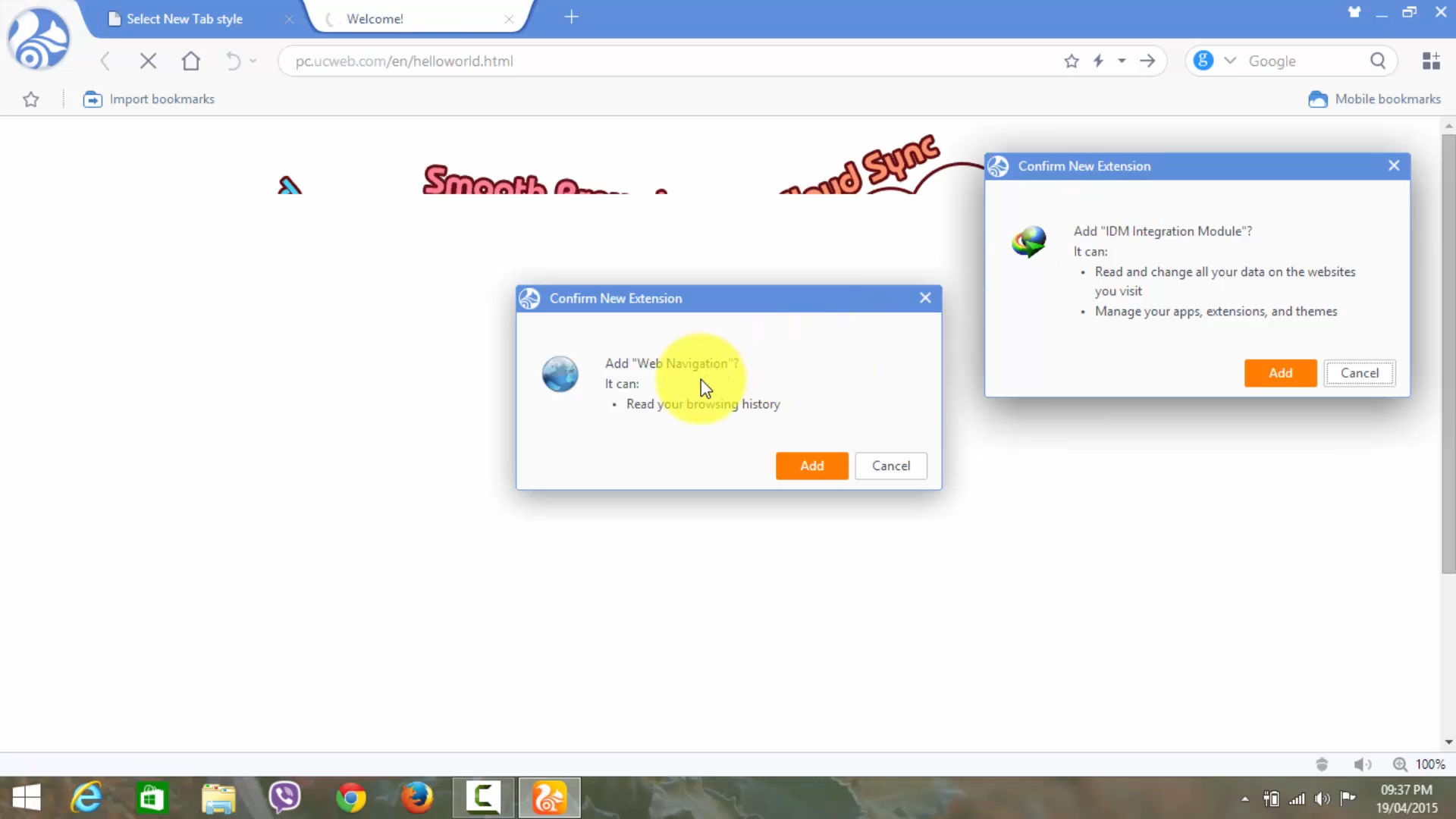
What Is UC Browser for PC?
UC Browser for PC is designed by UCWeb, which is linked with the Alibaba Group. It can offer a fast web browsing service on desktop platforms. This browser is popular on Android and iOS. The browser now gives a Windows version that contains data compression, faster browsing, fast downloading, and built-in video support. Designed for speed and efficiency, it is perfect for Windows 7,8, 10, and 11 users, mostly for those who have older devices or limited internet.
Why UC Browser Stands Out?
Most desktop browsers focus on speed and security, but UC Browser for PC goes further with smart features made for low-resource systems.
- Its advanced data compacting feature lowers data usage, loads pages faster, and makes browsing smoother on slow networks.
- Advanced data compression reduces data usage, loads pages faster, and keeps browsing smooth even on slow networks.
- The built-in video downloader lets you save videos from websites with one click, making it popular for offline viewing.
- UC Browser uses very little RAM and CPU, so it’s great for older or low-power PCs.
These unique features make the UC Browser a better alternative to Chrome, Firefox, and Edge, especially in areas with slow internet or low-end hardware.
System Requirements
Component | Requirement |
|---|---|
Operating System | Windows 7, 8, 10, 11 – 32-bit or 64-bit |
CPU | 1 GHz Intel or AMD processor |
RAM | Minimum 1 GB, 2 GB recommended |
Disk Space | At least 50 MB of free space |
Internet | Broadband recommended for optimal performance |
Installation Guide for UC Browser
With amazing features UC Browser becomes top choice among Chrome, Firefox, and Edge, especially in areas with slow internet or older hardware
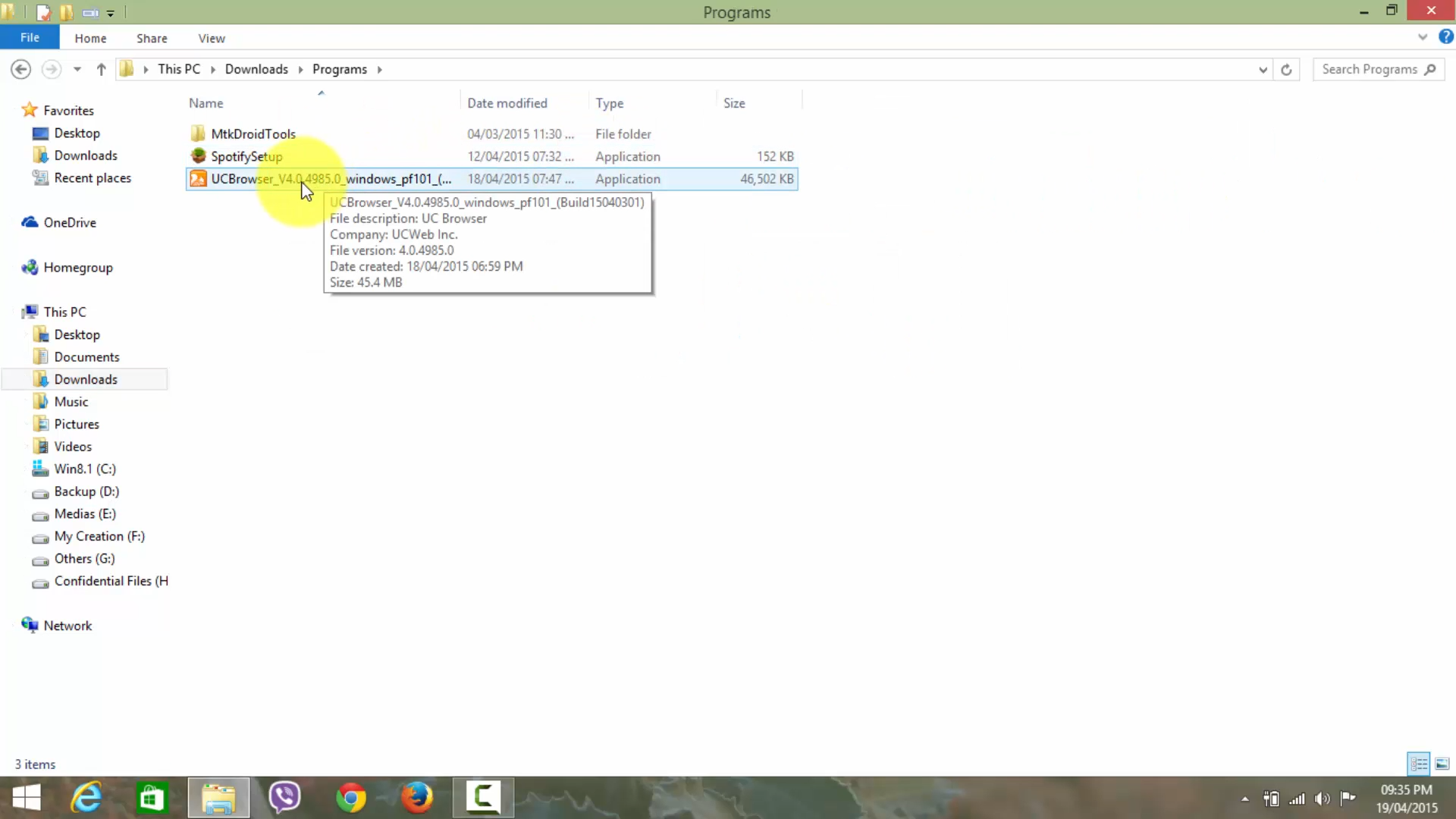
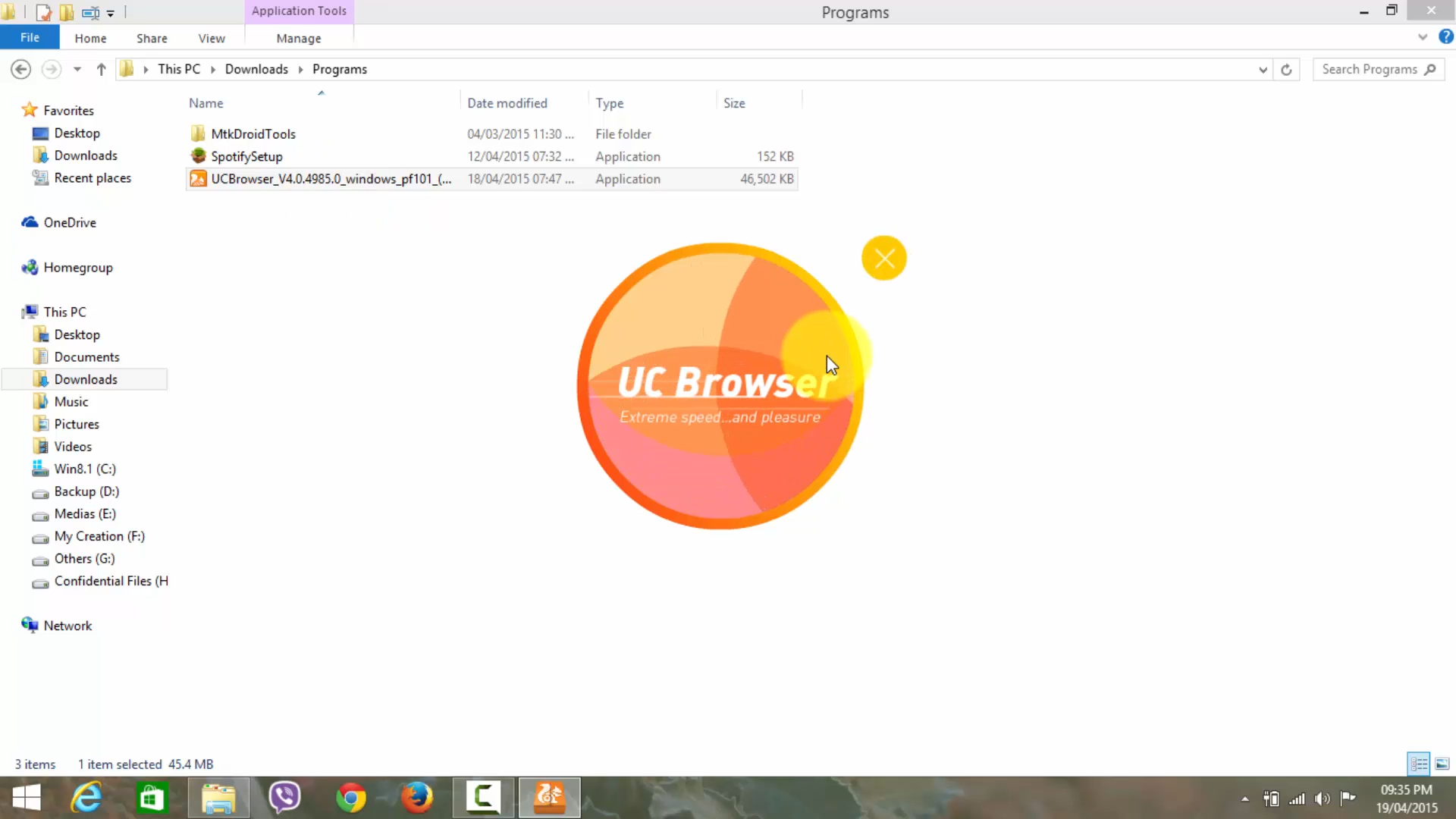
- Just open the downloaded .exe file to get started.
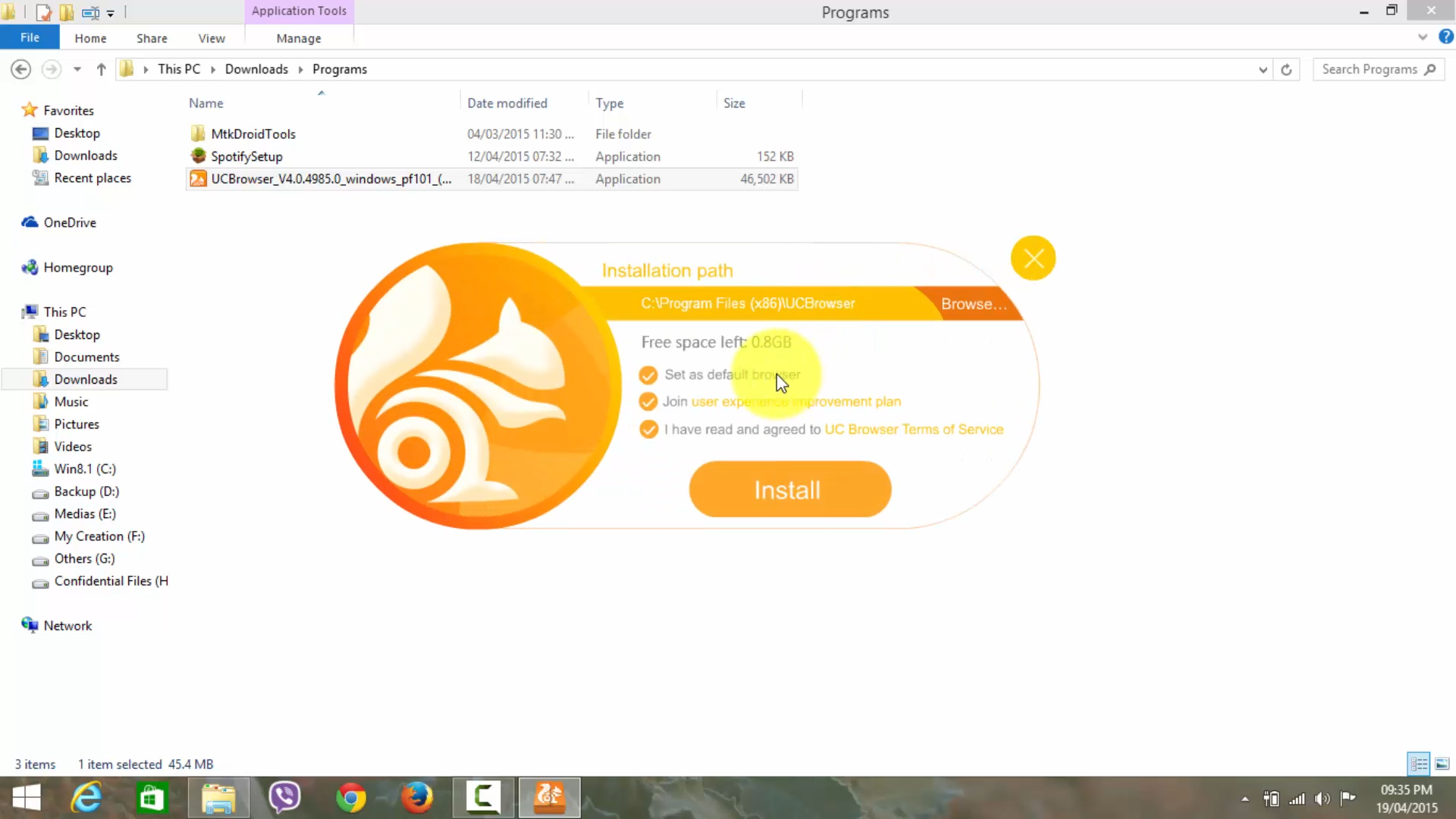
- Agree to the license terms when asked and move ahead.
- Select the default install location or make adjustments.
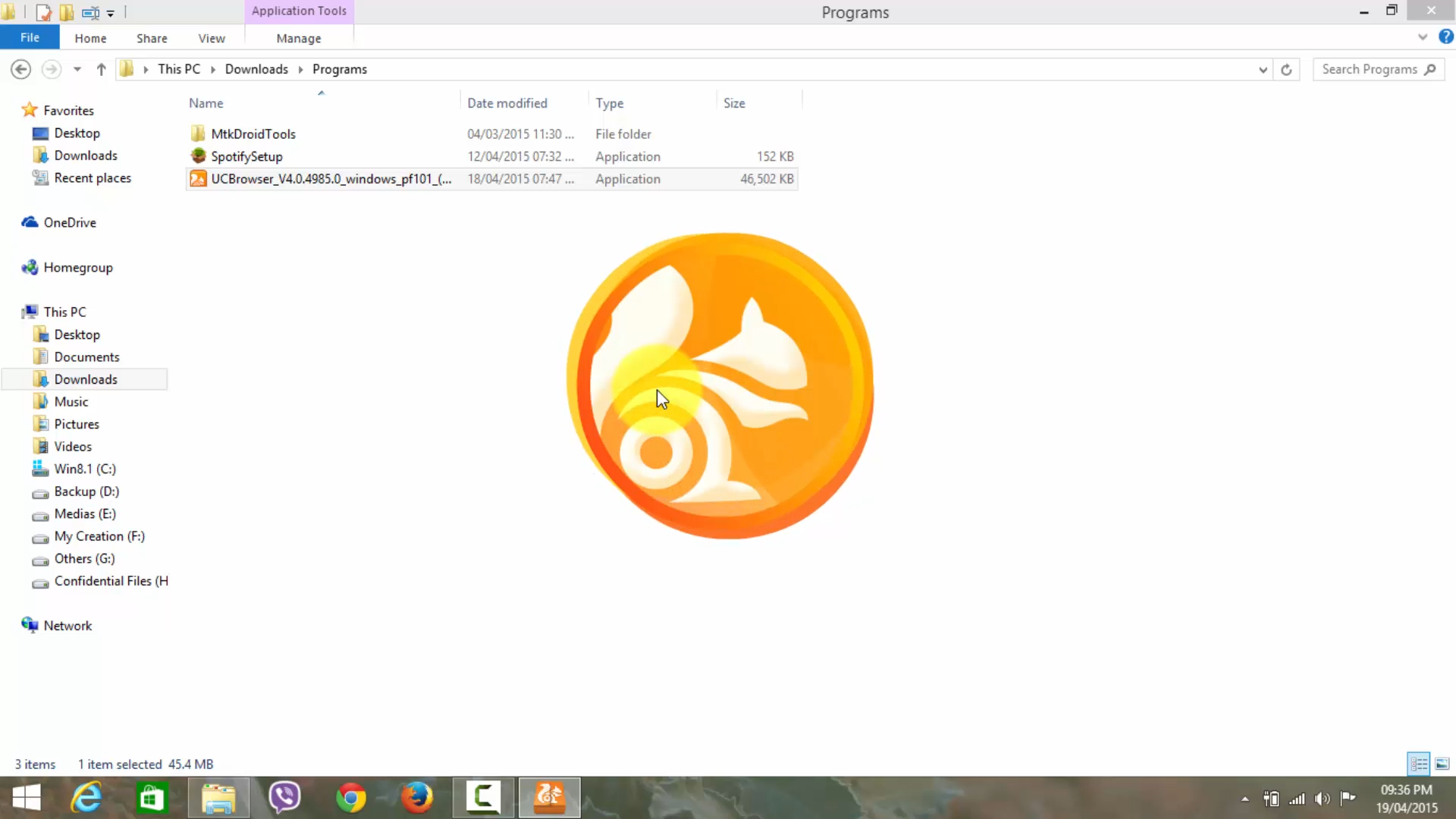
- You have to wait for a little while because the installation takes few minutes.
- Open UC Browser and choose if you want to set it as your default browser (optional).
- Set up your homepage, theme, and favorite search engine.
The interface is easy to use and quick, letting you start browsing as soon as setup is done.
Key Features
Downloading UC Browser gives you speed and convenience that most desktop browsers lack. With smart download tools, ad blocking, data saving, and lots of customization, it’s built to make your browsing faster and smoother.
Fast Downloads & Smart Manager
A download manager allows users to download multiple files at once. You can autopause or resume if something fails and save video from a website. Perfect for fast downloads of big files or videos.
Data Compression & Cloud Acceleration
Pages can load faster, and it happens because of UC’s cloud acceleration, which makes it a solid option for users with limited or slow internet connections.
Built-in Ad Blocker & Video Player
Its built-in ad blocker feature removes irritating ads and offers a smooth browsing experience. The built-in video player lets you watch videos directly in the app.
Extension & Theme Support
Built on Chromium, it supports Chrome extensions and lets you adjust the browser’s look.
Privacy & Incognito Mode
This tool contains a privacy mode that does not store browsing history or cache. The privacy settings are basic but good enough for daily private browsing.
Comparison with Other Browsers
UC Browser for PC distinguishes itself in four major ways:
- Unlike Chrome or Firefox, UC offers cloud compression, improving page load times on slower connections.
- Integrated ad-blocking and video downloaders reduce reliance on extensions and add-ons.
- Opera and Edge have small tools, but US brings them all together in one lightweight, low-resource package.
- For older computers or low-bandwidth networks, UC installs quickly, runs smoothly, and uses less memory than many modern browsers.
Final Verdict
US Browser for PC is an advanced browsing application that helps users to browse faster, block irritating ads, and download videos easily. In some cases, like old devices or slow internet issues, this browser works perfectly. UC Browser includes amazing features like cloud compression, built-in video downloading, and a Chrome extension.
System Tools:
Autoruns
Startup entry scanner
RAMMap
Memory Analysis
ParkControl
CPU Parking
Process Lasso
CPU Optimization
Wise Memory
RAM Optimizer
See More
Gaming & Media:
Razer Cortex
Game Booster
EasyBCD
Boot Management
HidHide
Controller Hiding
XOutput
Controller Emulator
DS4Windows
PlayStation Controller
See More
Internet & Network:
Neat Download Manager
Download Accelerator
Proton VPN
Secure Browsing
Psiphon VPN for PC
Secure Browsing
Iriun Webcam
Turn phone into webcam
Messenger for PC
Text messaging
See More
Productivity & Recovery:
AOMEI Backupper
Backup & Recovery
PowerToys
Productivity Tool
Cura Software
3D printer slicing software
Power BI Desktop
Data visualization
4Download Fl Studio
Music production software
See More