

1.7k
Downloads
78
Reviews
3.11.77
Version

Download Epson Event Manager for Windows and Mac
You can start using these helpful tools with a quick download. Our website gives you the official Epson Event Manager Software for Windows and macOS. It is a safe, clean, and ad-free experience.
It is an advanced and powerful tool that is designed to unlock and improve scanning and printing capabilities on Epson devices. It allows you to set up button actions, send scans directly to email, and save them straight to your computer. It makes managing your device simple and efficient.
It has an easy-to-use interface and remains the top choice due to its lightweight. This app runs perfectly and guarantees that your device reacts quickly to any command. Whether you are handling office scans or sorting detailed files at home, Epson Event Manager makes everything simple.
In this article, you will find information about the official Epson Event Manager software download, system requirements, setup instructions, and all the details you need to make the most of this powerful tool on both Windows and macOS.
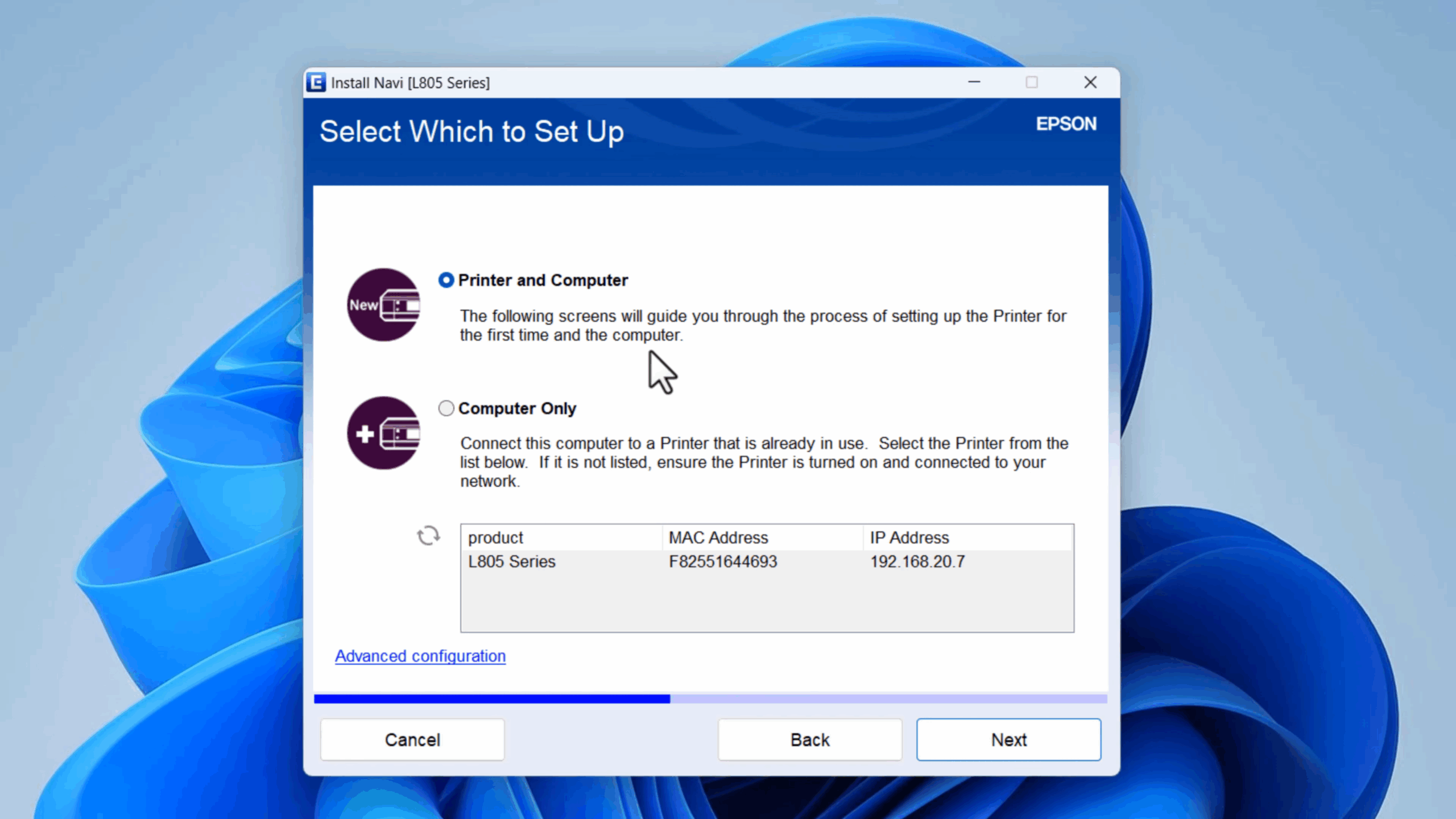
What Is Epson Event Manager?
Epson Event Manager is a perfect advanced software application developed by Epson for handling the functions of printers and scanners. It lets users give specific tasks to scanner buttons, such as scanning directly to email, creating PDFs, and sending files to a designated folder. This software makes scanning faster, easier, and more personalised, especially for users who deal with documents properly.

Why Epson Event Manager Software Stands Out?
It remains the top choice for users because of its smoothness and reliability. It runs quietly in the background and responds immediately when you tap on the device button. The best thing is that it can be run on both Windows and macOS and some other Epson devices, giving smooth performance for home and office use.
How to Download Epson Event Manager from Our Site?
If you want to download this amazing software, then visit our site for a safe and secure link. To begin, go up and tap on the download button provided there. After tapping on it, the Epson Event Manager installer starts downloading to your device, which is free from ads, malware, or preinstalled software.
System Requirements
Component | Minimum Requirement |
|---|---|
Operating System | Windows XP–11 (32/64-bit), macOS 10.5 or later |
Processor | 1 GHz or higher |
RAM | 1 GB minimum (2 GB recommended) |
Hard Drive Space | 100 MB free space |
Supported Devices | Compatible with most Epson printers and scanners |
Installation Guide for Epson Event Manager
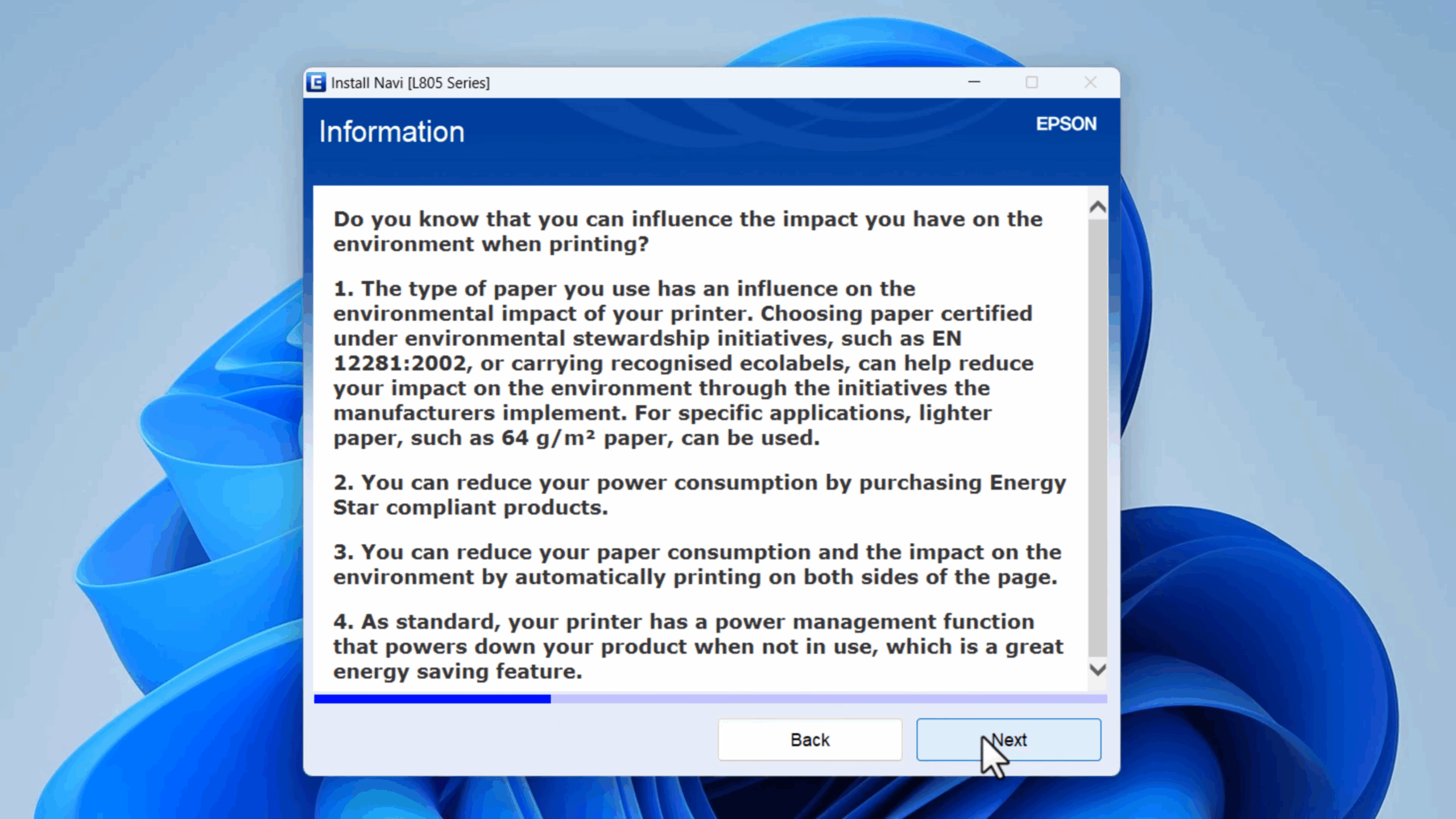
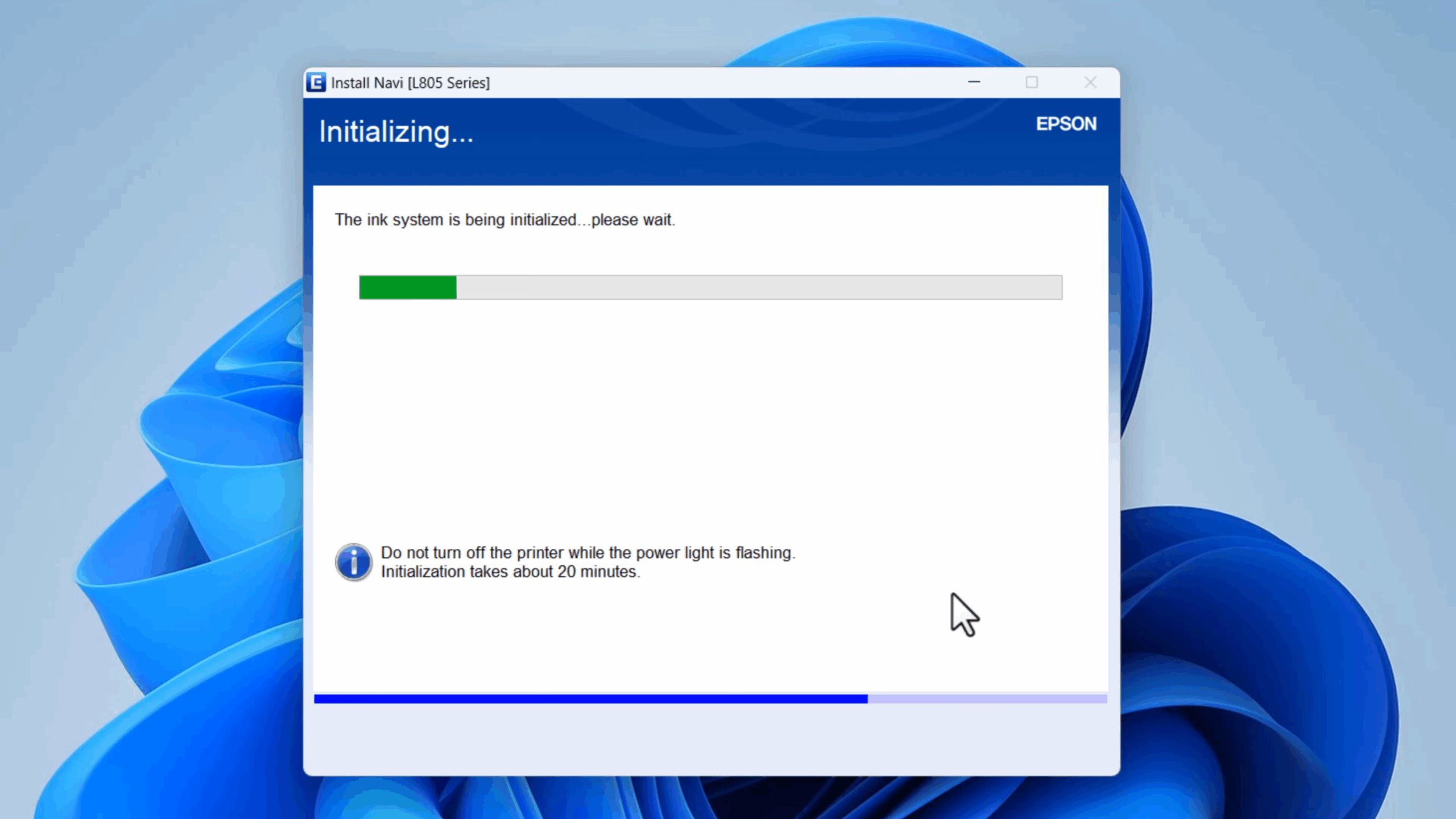
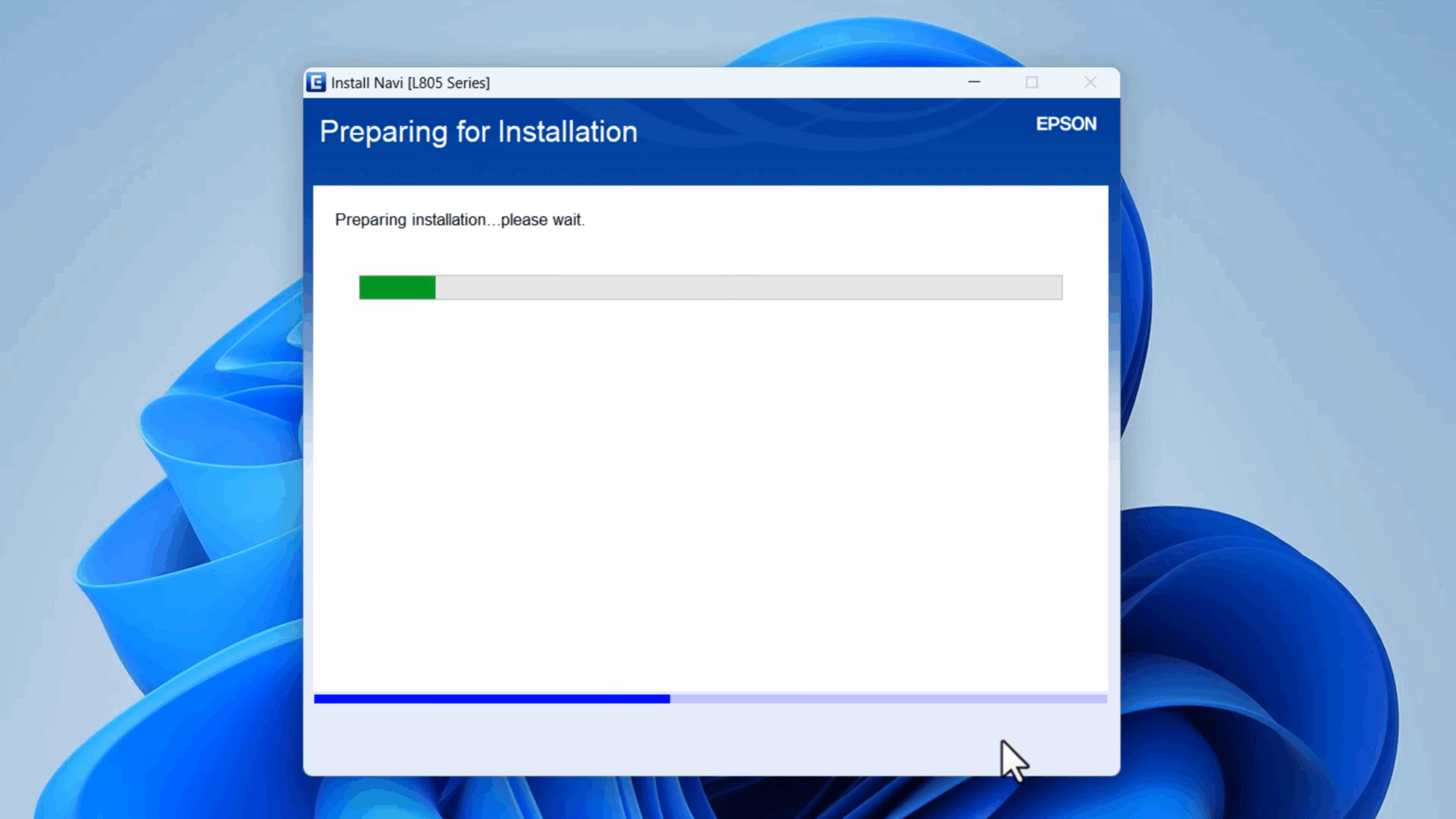
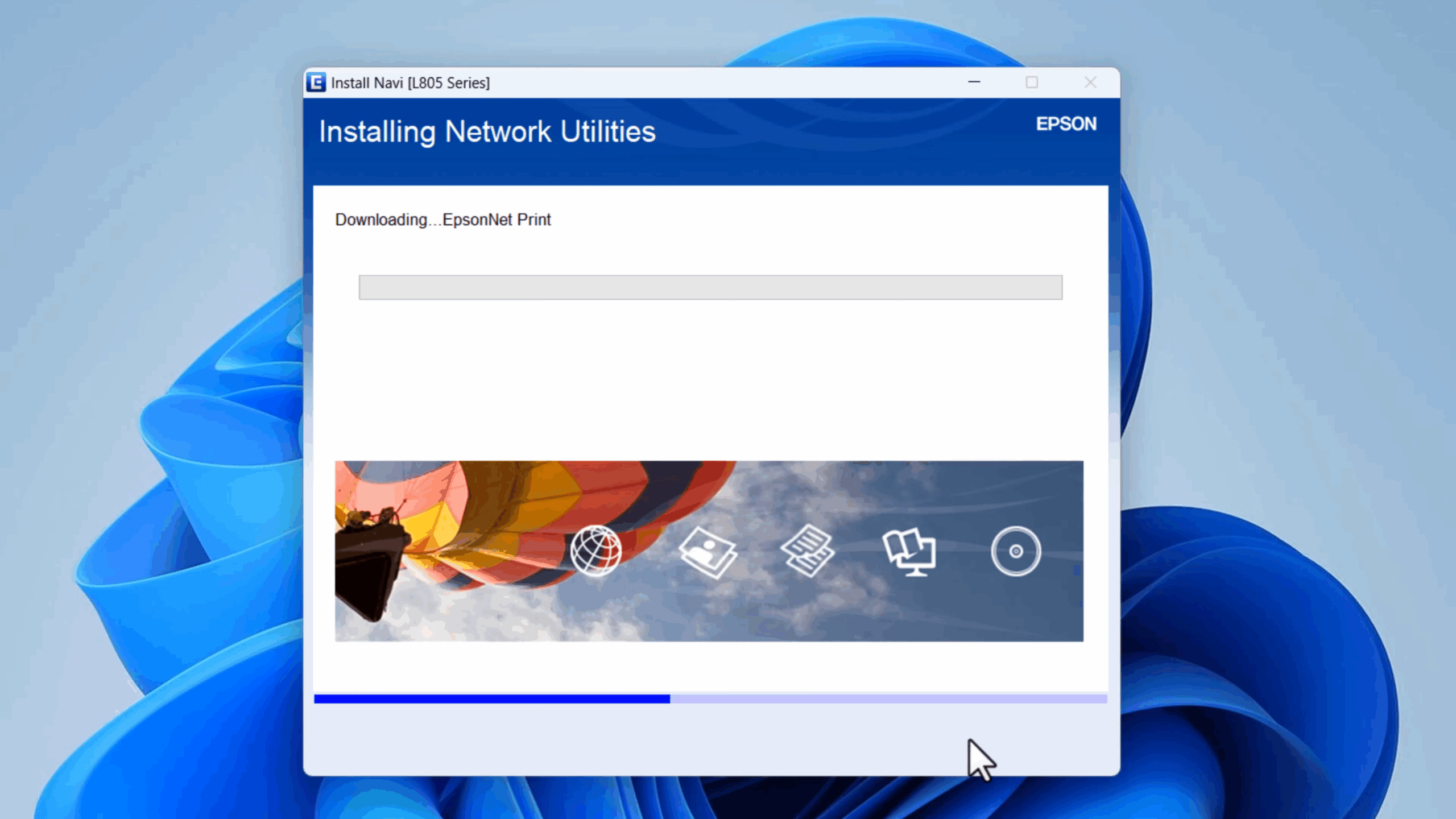
The installation process of Epson Event Manager is fast, and there is no need for technical skills. Once downloaded, follow these steps to set it up on your system:
- Make a double tap for downloading the file (.exe for Windows, .dmg for Mac).
- Here you receive a license agreement, accept it and follow the on-screen setup.
- Select the specific install location or use default settings.
- Finish installing and restart your computer if asked.
- Launch Epson Event Manager from the system tray or menu bar.
- Press your scanner’s button to confirm it responds correctly.
After setup, the tool is ready to handle custom scan jobs on your Epson device.
Key Features of Epson Event Manager for PC & Mac
This software is created to make scanning faster, smarter, and more automatic. It helps you manage tasks with useful tools that you can set up in seconds.
Custom Button Mapping
Link scan actions to your printer or scanner buttons. With one, send files to email or a folder or save them as a PDF without extra steps.
Scan Profile Creation
Make scan presets with your selected resolution and file type, and save location. This lets you scan similar documents without changing settings every time.
Silent Background Operation
The tool runs quietly in your tray and is always active. It consumes minimal system resources while ensuring your Epson device is ready at all times.
Cross-Platform Support
This software depends on both Windows and macOS devices. This makes Epson Event Manager for PC and Mac equally dependable and easy to use.
Fast Job Execution
The response time between pressing your scanner button and software action is almost instant. It helps reduce delays during high-volume scanning tasks.
Broad Compatibility
Most Epson models are supported. Whether you use a home printer or a high-volume office scanner, Epson Event Manager software will likely support it.
Optimizing Workflow with Epson Event Manager Software
Epson Event Manager lets you automate common scanning tasks, saving time and effort. Instead of opening several windows for each scan, you can do it all with one button press.
For example, if you often scan invoices or contracts, you can set the scanner to send files straight to a folder like “Accounting” or “Clients.” Creative users can create profiles for high-quality scans or image settings. This saves time and helps avoid mistakes when managing files.
This software is best for office settings, where more than one staff member shares devices. Every user can manage their job profiles, guaranteeing that every scan ends up exactly where it needs to go. These facilities make the workflow smooth and efficient.
Troubleshooting and Best Practices
In case the Epson Event Manager software is not working, there is always a small issue. A quick check or reinstall can fix most problems.
- Ensure the software is running (check the tray icon)
- Set it to launch at startup for constant readiness
- Update Epson drivers to avoid connection issues
- Add it to your antivirus “allowed” list
- Uninstall and reinstall if issues persist
Keeping the tool updated and active ensures it performs smoothly every time.
Final Verdict
Epson Event Manager is a smooth and strong tool that improves your Epson device’s performance. It can make scanning easier with custom buttons and automatic tasks. It is simple to install, free to use, and great for both home and office. For faster and smarter scanning, it is the perfect choice.
System Tools:
SuperF4
Process Termination Tool
ExplorerPatcher
Windows Customization Tool
WinUtil
Windows Tweaking Tool
Quick CPU
CPU Optimization Tool
Winaero Tweaker
Windows Tweaking Tool
See More
Gaming & Media:
EasyBCD
Boot Management
HidHide
Controller Hiding
XOutput
Controller Emulator
DS4Windows
PlayStation Controller
Mod Organizer 2
Game Modding Tool
See More
Internet & Network:
Neat Download Manager
Download Accelerator
Proton VPN
Secure Browsing
Psiphon VPN for PC
Secure Browsing
Iriun Webcam
Turn phone into webcam
Messenger for PC
Text messaging
See More
Productivity & Recovery:
AOMEI Backupper
Backup & Recovery
PowerToys
Productivity Tool
Cura Software
3D printer slicing software
Power BI Desktop
Data visualization
4Download Fl Studio
Music production software
See More