

4k
Downloads
20
Reviews
3.56.7933.1204
Version

Content Manager Assistant – Free Safe Download for PC
Getting a safe download link is very important for your security purposes. That is why we provide a clean, trusted installer that’s free of risks, ads, or hidden software. Just tap on the link below and get our link that works quickly and smoothly.
Content Manager Assistant is a tool that is especially designed by Sony’s official utility. Its function is to help PlayStation Vita and PlayStation TV users transfer and manage data on a PC. No matter whether you are syncing game saves, backing up photos, or moving videos and music, this tool provides you with a better experience.
This article is going to be helpful for you if you are searching for a direct download link, learning about Content Manager’s best desktop features, or want to know about system compatibility. So get ready to know about this in detail.
What Is Content Manager Assistant?
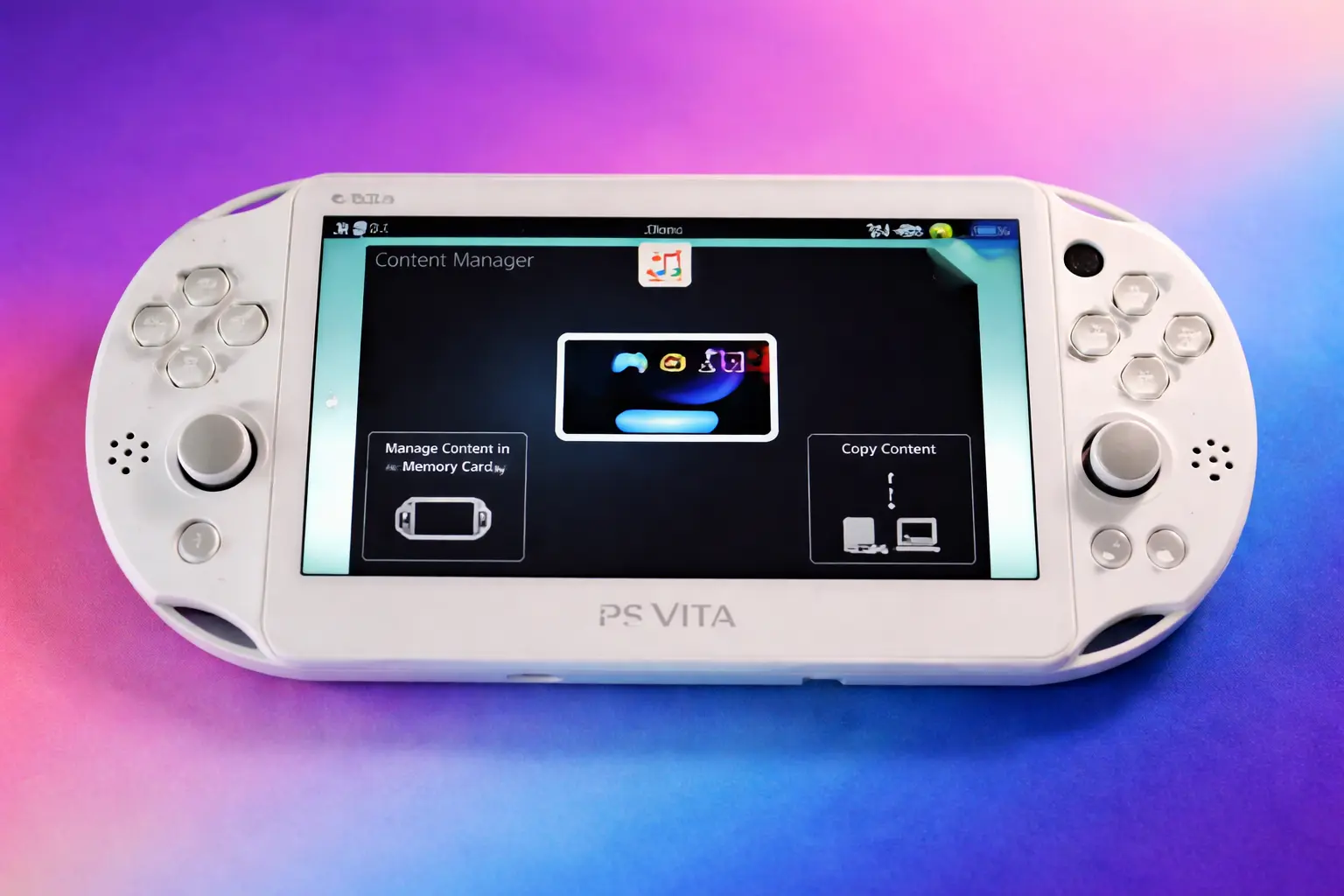
Content Manager Assistant is a lightweight desktop application developed by Sony to bridge your PC with PlayStation Vita and PS TV systems. It helps quick file transfers between your console and computer, allowing you to back up saved data, move music, videos, and photos, or install game updates without facing any problems. It is easy to use for everyone because of its well-developed interface.
Why Choose Content Manager Assistant?
This software is designed for a wide range of users, from beginners to experts. No matter whether you are using it for transferring any file or moving music videos or photos with the help of it, you can do this quickly. Additionally, it also provides you backup to save your data.
Top Features You’ll Get
The reason for the popularity of Content Manager Assistant is the amazing features that make it easy to manage your PS Vita or PS TV directly from your PC. This tool helps users handle file transfers, backups, and media management without any hassle. In this section, we provide you with a detailed overview of its main features.
If you also use other system-level utilities to customise and manage your PC, you may find our Custom Resolution Utility useful for adjusting and optimising your display settings.
Backup and Restore
Quickly create backups of your game saves, apps, and system data. This ensures your progress is safe if you reset your device or switch consoles.
Auto-Launch on Connection
Once installed, the tool launches automatically when your PS Vita connects via USB, making file transfers effortless and instant.
Lightweight Performance
It uses minimal resources and won’t interfere with other programs. Ideal for older systems or users who want a fast, no-hassle experience.
Windows and macOS Compatible
Whether you’re on a PC or Mac, the tool works smoothly across both platforms, giving you flexibility in how you manage your content.
System Requirements
Knowing the information about the system requirements is also very important before installing this tool because this confirms that the software will run smoothly on your system. So, for clearing your doubts, we provide you with a table below in which you get the information about the requirements:
Component | Minimum Requirements | Recommended Requirements |
|---|---|---|
Operating System | Windows 7, 8.1, 10, 11 (32/64-bit)macOS (latest supported) | Windows 10 or 11 (64-bit)Latest version of macOS |
Processor (CPU) | 1 GHz Single-Core | 2 GHz Dual-Core or higher |
RAM | 512 MB | 2 GB or more |
Disk Space | 150 MB free space | 300 MB free space (for backups and media) |
Connectivity | USB 2.0 port or Wi-Fi (for PS Vita/TV connection) | USB 3.0 for faster data transfer |
Additional Software | PS Vita firmware 1.10 or higher | Latest PS Vita system update |
Download and Install Content Manager Assistant
You can download and install Content Manager Assistant easily without any risk from our site. Here you can get the latest version without facing problems like corrupted files or unwanted add-ons in just a few minutes. Just follow the steps below to safely download and install the software on your system.
Steps to Download and Install:
- Visit our official download link provided above.
- Choose the correct version for your operating system (Windows, macOS, or Linux).
- Click the download button and wait for the file to finish downloading.
- Locate the downloaded file in your system’s Downloads folder.
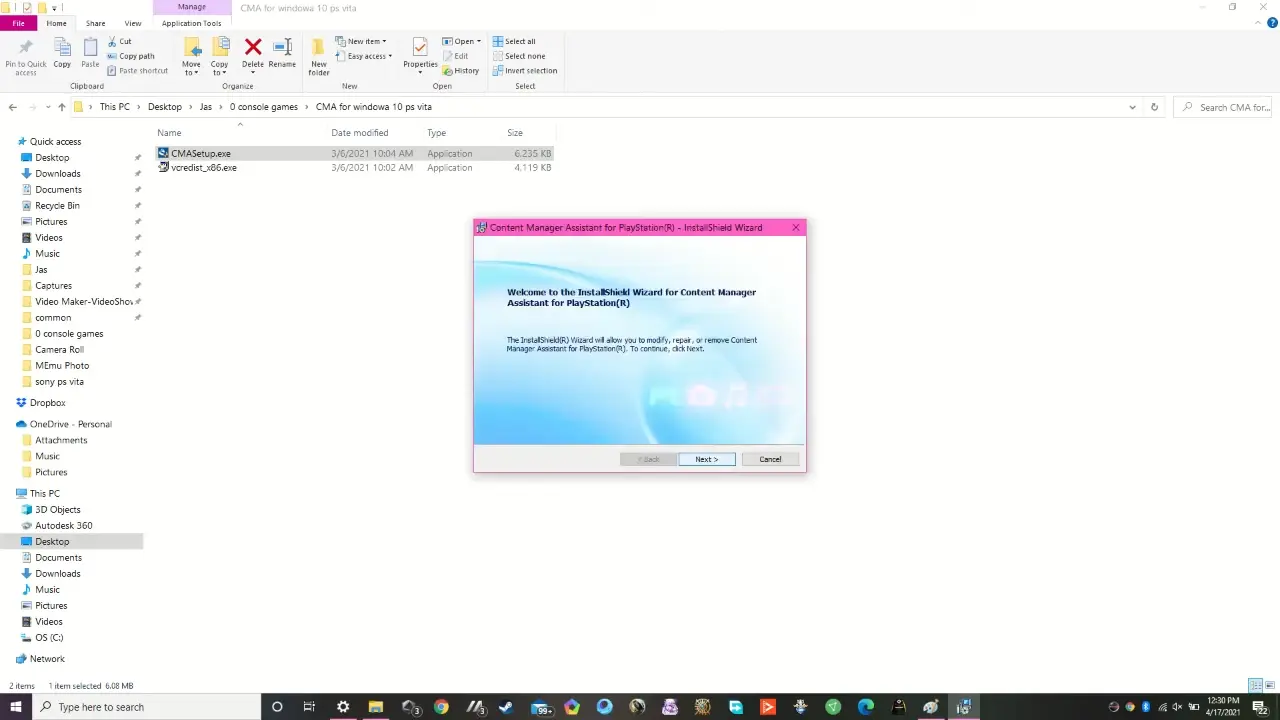
- Double-click the installer file to begin installation.
- Follow the on-screen instructions and agree to the terms.
- Select your preferred installation location and click Install.
- Once completed, launch the software and start using it.
Common Issues & Troubleshooting
Even though this tool is stable and reliable, sometimes users may face some problems. If you are also one of them, don’t worry, because here we guide you about the most common issues and their quick solutions.
- Installer not launching: Right-click the installer and run it in compatibility mode (like Windows XP or Windows 7) to bypass system conflicts.
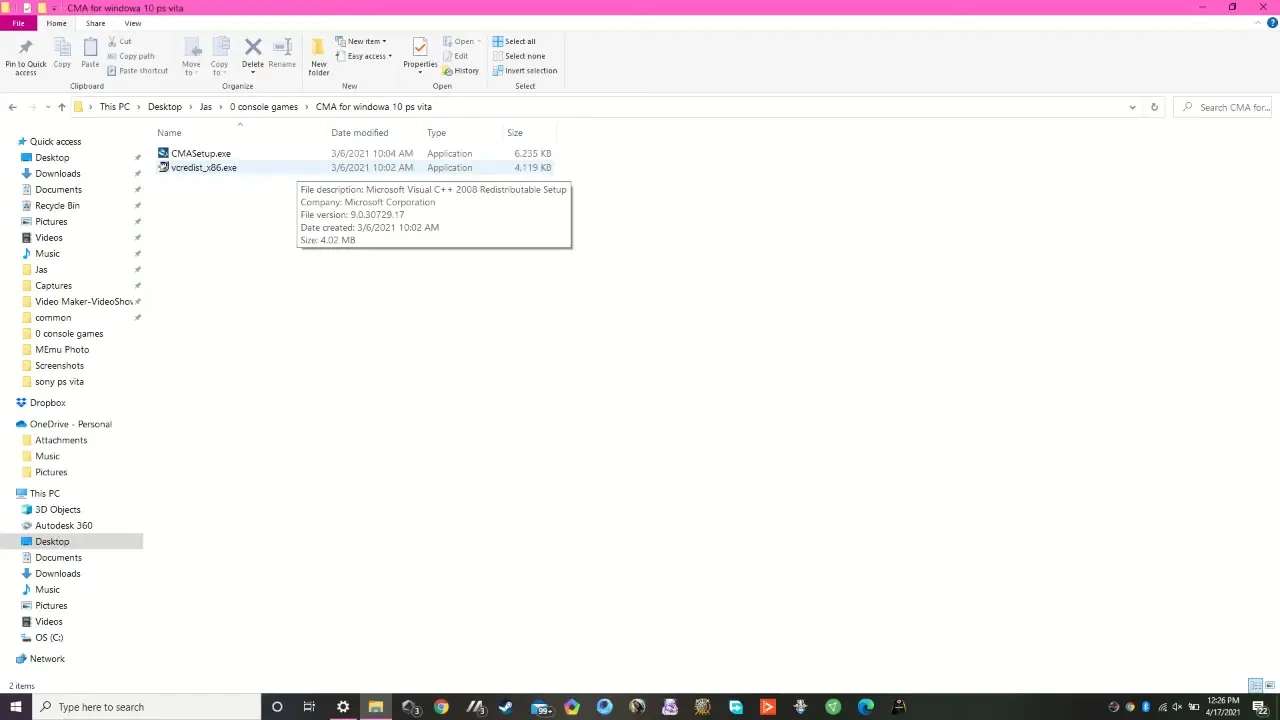
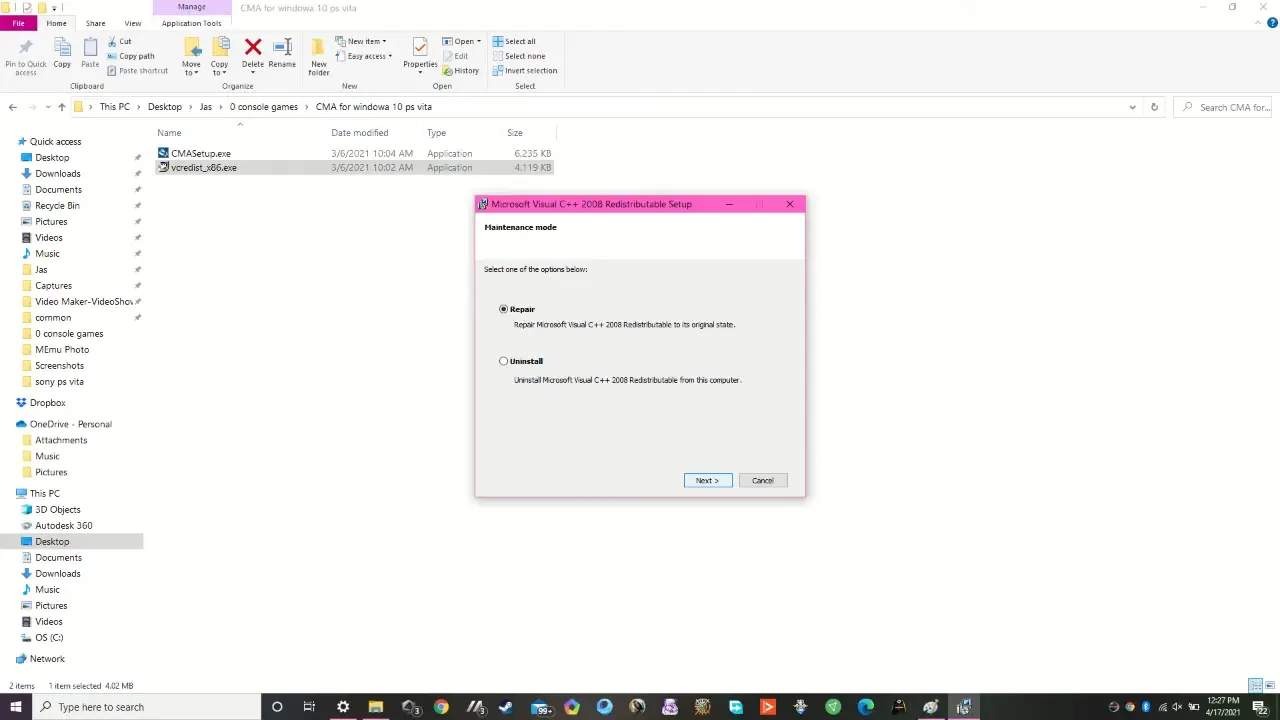
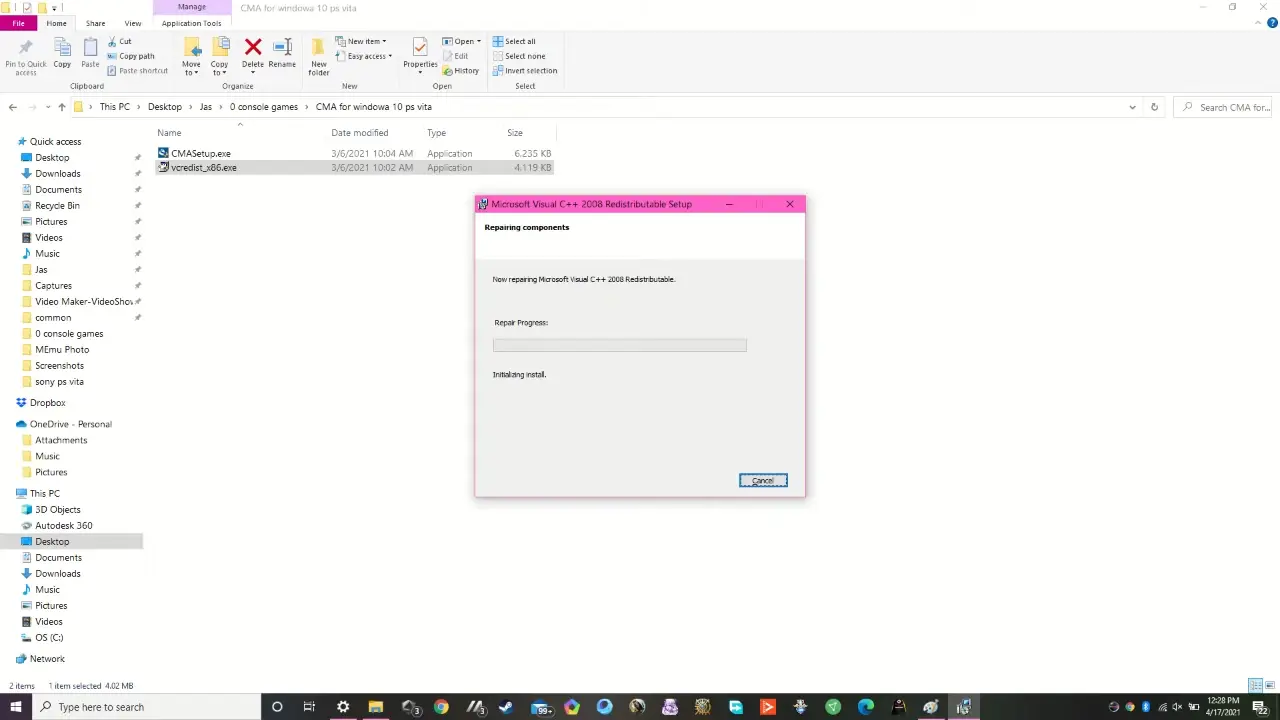
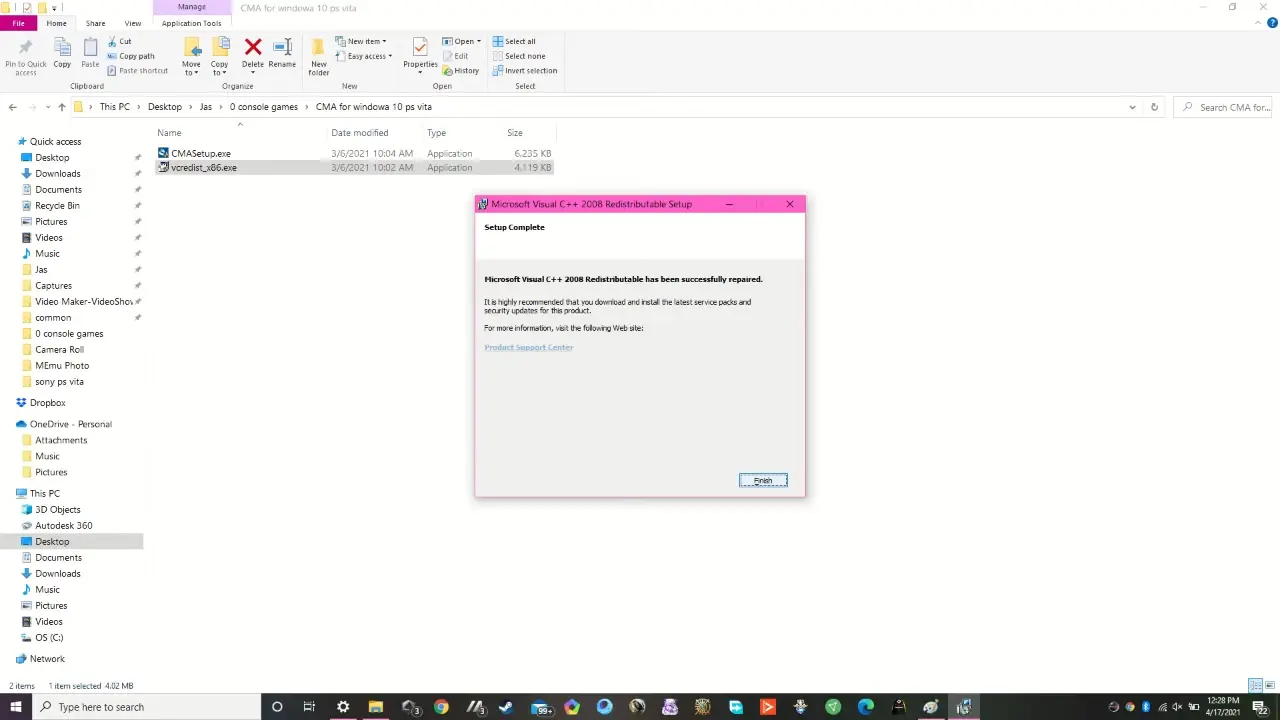
- PS Vita not detected: Make sure you’ve installed Microsoft Visual C++ 2008 SP1 (x86). This library is required for the software to properly recognize your device.
- Expired digital signature: If you see a warning, reinstall the program manually or try an older version that still works with your system.
- Frequent connection drops: Use a stable USB connection instead of Wi-Fi for more reliable performance.
Can’t get CMA to work at all: Consider using QCMA—a well-known open-source alternative that offers similar features and better compatibility on newer systems.
Final Verdict
Content Manager Assistant is the top option for many users because of its different features. In addition, downloading it from our site provides you with benefits like it’s completely free, virus-scanned, and free from ads or bloatware. Download now to start transferring your PS Vita content safely and confidently.
System Tools:
Autoruns
Startup entry scanner
RAMMap
Memory Analysis
ParkControl
CPU Parking
Process Lasso
CPU Optimization
Wise Memory
RAM Optimizer
See More
Gaming & Media:
Razer Cortex
Game Booster
EasyBCD
Boot Management
HidHide
Controller Hiding
XOutput
Controller Emulator
DS4Windows
PlayStation Controller
See More
Internet & Network:
Neat Download Manager
Download Accelerator
Proton VPN
Secure Browsing
Psiphon VPN for PC
Secure Browsing
Iriun Webcam
Turn phone into webcam
Messenger for PC
Text messaging
See More
Productivity & Recovery:
AOMEI Backupper
Backup & Recovery
PowerToys
Productivity Tool
Cura Software
3D printer slicing software
Power BI Desktop
Data visualization
4Download Fl Studio
Music production software
See More