

3.7k
Downloads
28
Reviews
6.1
Version

Free Tally Prime Download for Windows (Latest Version)
Brings Tally Prime’s newest and most powerful version of Tally’s accounting software. It gives businesses a fresh look, works faster, and helps them follow tax rules easily. Whether you are filing GST, checking stock, or making financial reports, Tally Prime makes everything simpler in one place.
With our direct Tally Prime download, you get access to a secure and up-to-date installer, completely free to try. No third-party ads, no hidden charges, just a smooth and verified setup ready to use right away.
In this article, you will find everything you need, including a safe download link, system requirements, setup steps, edit log details, and a full list of features to help you get started quickly and confidently.
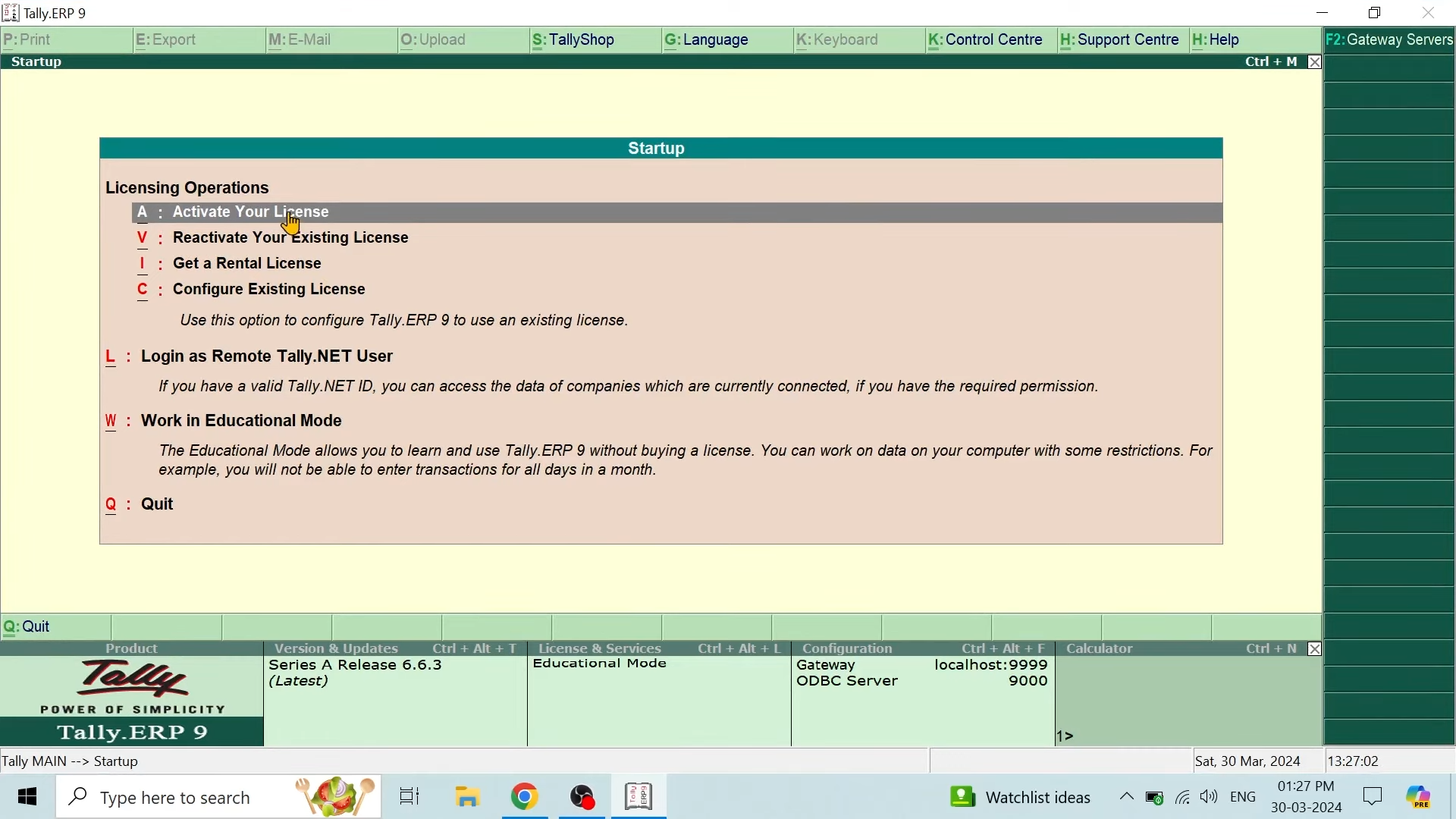
What Is Tally Prime?
This software is an outstanding accounting and business software made by Tally Solutions. It helps make business tasks easier with a simple and flexible interface. Made for small to mid-sized businesses, it includes everything you need to manage accounts, money, stock, salaries, taxes, and rules. It is the advanced version after Tally ERP 9 and comes with a better design, easier controls, and faster speed. So you can do hard tasks with less work.
If you are running your own business or are an accountant or a professional in finance, it makes daily work easier and allows you to easily grow your business. It has tools that help you do tasks automatically and make reports, saving you time and keeping your data correct.

Core Capabilities of the Tally Application
Tally has a lot of amazing features that help it manage all the important parts of a business. You can find everything from handling accounts to following tax rules, and they work together properly to boost how a business begins.
- Accounting & Ledger Management: You can manage all income, expenses, and other entries easily with automatic calculations and real-time updates.
- Invoicing & Billing: This lets you make expert GST-compliant invoices and create them quickly without any mistakes.
- Inventory Management: Keep track of stock movement, expiration dates by batch, reorder points, and how well each warehouse is doing.
- Payroll Processing: Manage employee salaries, attendance, and statutory deductions with ease.
- GST & Taxation Compliance: Generate GST returns, manage e-invoicing, and stay audit-ready with built-in tax features.
While it has a lot of simplicity, accuracy, and compliance, this software helps you manage all your business work in one place. It’s a great tool for any growing company.
How to Download Tally Prime from Our Website?
It is now very easy to start using Tally Prime. You can download the latest version for free, safely, and quickly. Our installer is clean, checked for safety, has no ads or extra tools, and works offline without any trouble.
Here, we provide steps on how to download Tally Prime quickly and securely:
- Tap on the Download Now button available on this page.
- Let the installer download. It can take a few seconds.
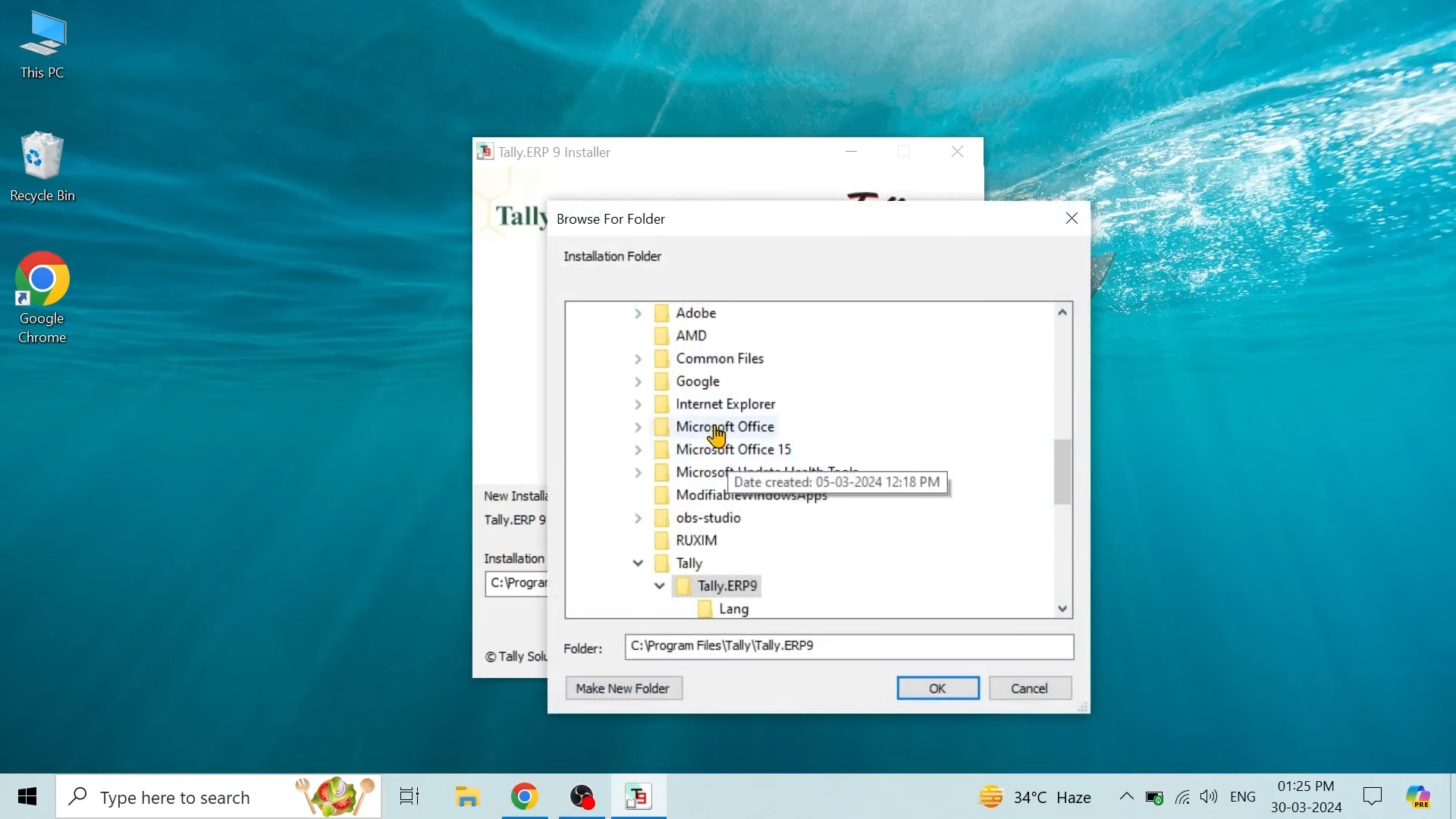
- Find the setup file in your downloads folder and double-click it to start installing.
- Follow the on-screen instructions to complete the setup.
- Launch Tally Prime and start your free trial instantly.
When it gets installed, you will enjoy easy access to all core features, including accounting, billing, inventory, and reporting tools. The best thing is that there is no need for any activation for the trial version.
Step-by-Step Download & Installation Guide
If you want to download it properly, then follow the steps that are given below and run Tally Prime on your system:
- Click the Download Tally Prime button above.
- Just wait a few seconds for the setup file to download completely.
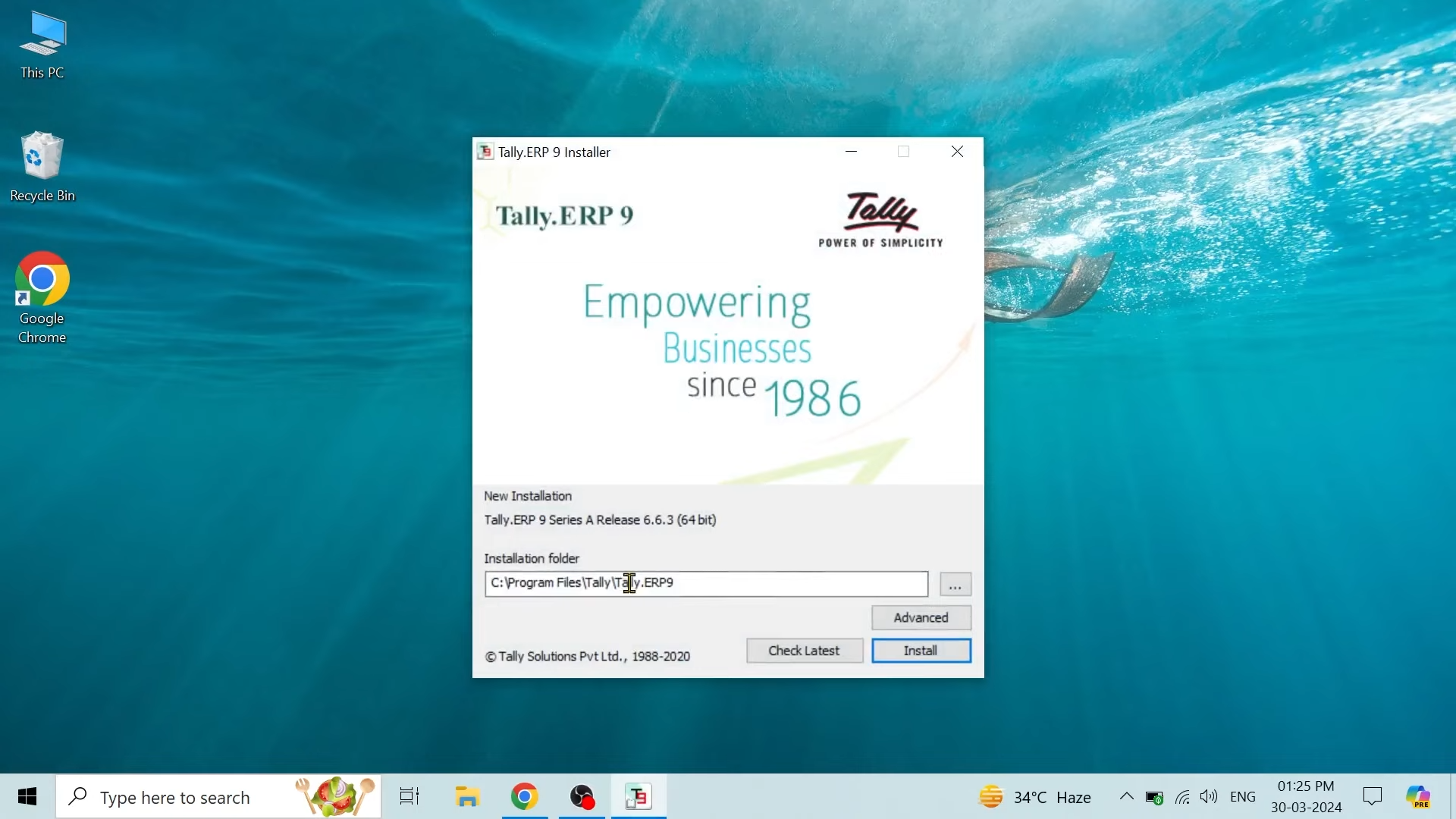
- Then open the file and click Install Now when prompted.
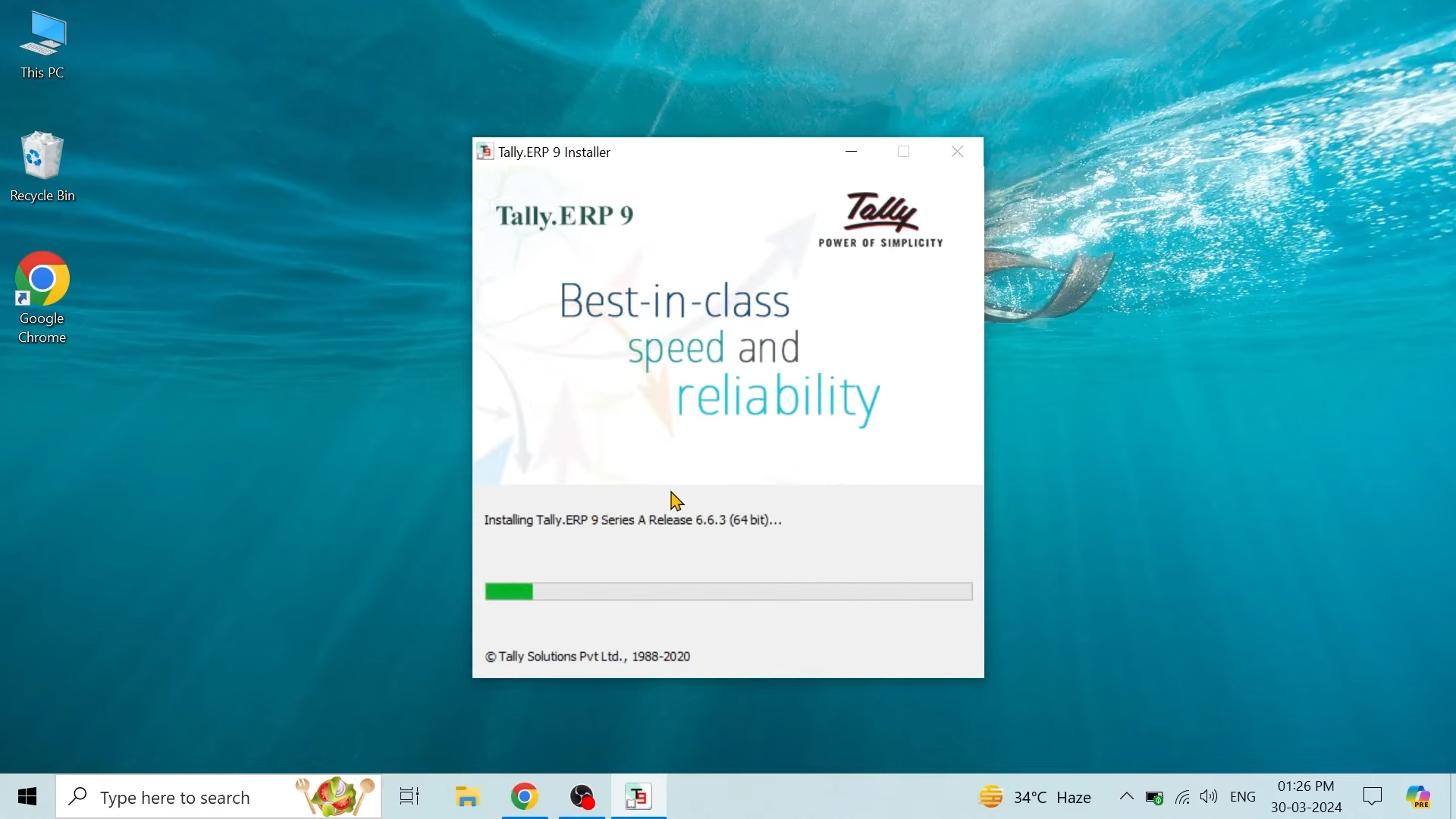
- The setup will automatically configure all necessary files.
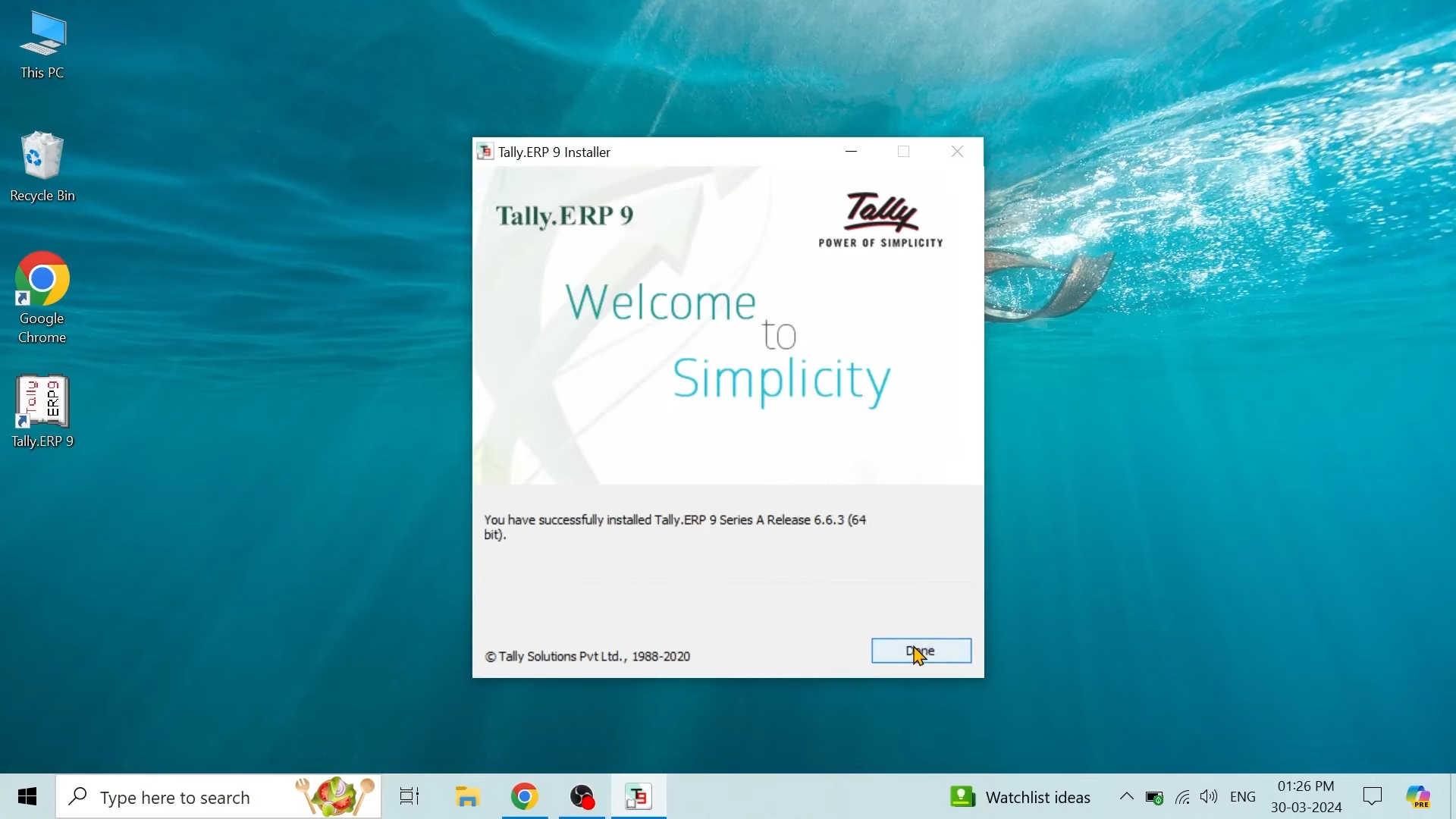
- Once installed, launch the application from your desktop.
- Choose “Start in Educational Mode” for trial access or enter your license key if you have one.
You’re now ready to begin using Tally Prime on your Windows device with full functionality.
System Requirements & Compatibility
Tally Prime runs smoothly on most modern Windows systems. Here’s what you need to install and operate it successfully:
Component | Minimum Requirement |
|---|---|
Operating System | Windows 7, 8, 8.1, 10, 11 (64-bit preferred) |
Processor | Intel Pentium Dual Core or above |
RAM | 4 GB (8 GB recommended for large data sets) |
Hard Disk | 150 MB of free space required |
Screen Resolution | 1024 x 768 or higher |
Internet | Optional – only needed for licensing and updates |
Using the Tally Application on Windows
After installation, the Tally application provides a complete suite of business management tools ready for immediate use. Tally Prime has a clean and flexible interface that makes searching easy for both beginners and experts.
Initial Setup & Configuration
When you open Tally Prime for the first time, it will ask you to create a new company profile. Here you can enter your business name, address, and other details to get started.
- Enter your business name and contact details
- Choose your financial year and base currency
- Enable features like GST, VAT, or other tax modules
- Set user permissions and security controls
This setup ensures your Tally environment is aligned with your business requirements right from the start.
Key Functionalities After Download
Once configured, Tally Prime opens access to all its robust features:
- Accounting & Financials: Easily handle your accounts, records, and balance sheets without any trouble.
- Banking Integration: Match your bank records, handle cheques, and keep an eye on deposits.
- Inventory Control: Match your bank records, handle cheques, and keep an eye on deposits.
- MIS Reporting: Create helpful reports like profit and loss, cash flow, and trial balance to understand your business better.
- User Roles & Security: Set user roles and passwords to keep important financial information safe.
All features are available in this version, giving users the full experience.
Enabling Edit Log for Compliance
Tally’s Edit Log Feature, found in the audit-ready version, helps keep everything clear and trackable. When turned on, it saves every change made to vouchers, accounts, or main records. This gives you a full history of changes, which is great for businesses that need to review past edits or get ready for audits.
This tool works in the background and doesn’t slow down your computer. After turning it on, it runs by itself without needing your help. It saves clear records you can view anytime or give to auditors, so your accounts stay correct and easy to trust.
Final Verdict
Tally Prime is a powerful, all-in-one accounting solution tailored for modern businesses. Its advanced interface, compliance tools, and Edit Log feature make it stand out. With free trial access and easy installation, it’s never been simpler to get started. Whether you’re a startup or an enterprise, this Tally application offers everything you need to manage finances with confidence. Download now and take control of your business operations.
System Tools:
RAMMap
Memory Analysis
ParkControl
CPU Parking
Process Lasso
CPU Optimization
Wise Memory
RAM Optimizer
SuperF4
Process Termination Tool
See More
Gaming & Media:
Razer Cortex
Game Booster
EasyBCD
Boot Management
HidHide
Controller Hiding
XOutput
Controller Emulator
DS4Windows
PlayStation Controller
See More
Internet & Network:
Neat Download Manager
Download Accelerator
Proton VPN
Secure Browsing
Psiphon VPN for PC
Secure Browsing
Iriun Webcam
Turn phone into webcam
Messenger for PC
Text messaging
See More
Productivity & Recovery:
AOMEI Backupper
Backup & Recovery
PowerToys
Productivity Tool
Cura Software
3D printer slicing software
Power BI Desktop
Data visualization
4Download Fl Studio
Music production software
See More